- My goal: use data from a table in js query (filter and other methods) (data is from a sql query)
- Issue: randomly data don’t exist at all, undefined. even if data is loaded by hand in an other query
- Steps I've taken to troubleshoot: try to await all the queries, random always there
- Additional info: cloud
Hello @Julien_COLOMBEAU!
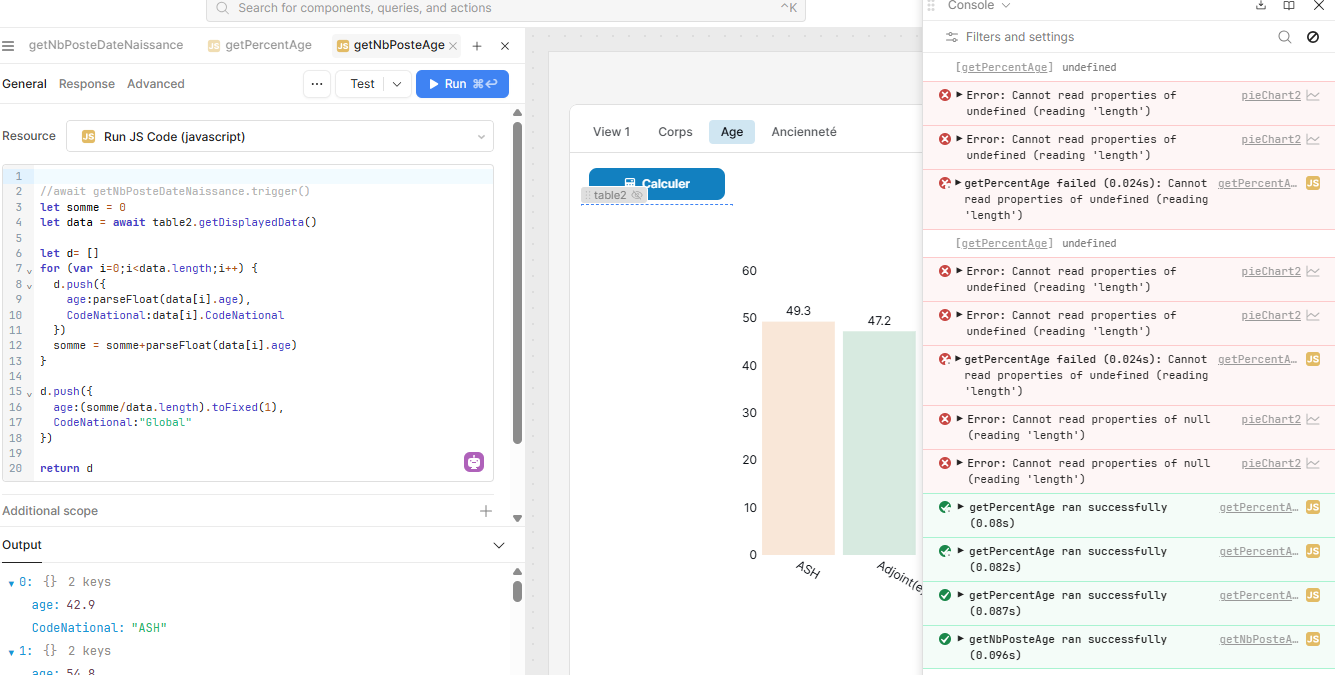
In your screenshot it looks like the errors/undefined results are from the getPercentAge query but you are showing the getNbPosteAge query.
Can you share the other query which has the undefined output logged? It might also be helpful to know how you intend to run the queries (like if they are chained in success handlers or set to Automatic Run as values change).
Queries are similar, they get the displayed data of table2 and make some filters to get another data for histogram view.
I think of doing this because i could check my data in table, i could have some personnalized columns. But Randomly the data is empty. I have tried with a delay, with some await … nothing.
As i can’t understand this random, i change my mind and get the original data in my query and repeat the “add columns” many times… data are not very heavy so it could go but i’m interested in the solution if someone have.
I am not sure if there is a singular way to solve this but I want to learn more about your setup and see if we can troubleshoot why the data is not loading consistently.
I just tried to return table2.getDisplayedData() in my own app and it hung for 44 seconds. Then on refresh and rerun it worked in a fraction of a second. So I am noticing some discrepancies with performance even on a small demo table I was using 
I was hoping that awaiting the method call would help, one other option would be to have a JS query that only runs
const res = table1.getDisplayedData()


return res
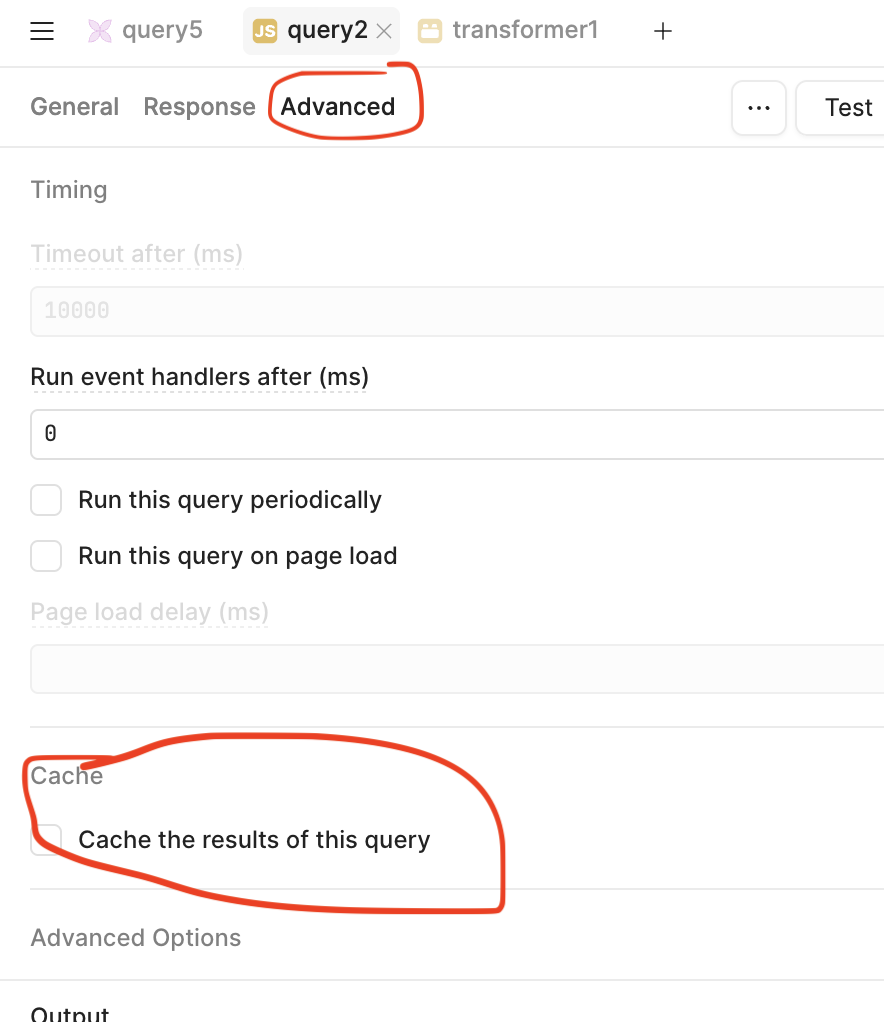
And then you could await this running to pass the data to where ever you need to access and use the data. You could set this query to re-run if it fails or times out as well as caching the results of the query so that there are less instances where it could 'miss' and not grab the data from the table component.
From your last message it sounds like you found somewhat of a work around by getting the data directly from the query that is the source of the table. Then modifying that with "add columns", have you tried saving the table.data to a variable and modifying that variable?
As i said first the table where i want to grab the data is well formatted. Data arrives in a big object, which contains object too, and i have to switch from one id to the real data, or add columns based on the same id, etc…
My aim is to try another API call with other parameters, inject the data in the table (to “format” it) and use the data diplayed (to diagrams and to download).
Cache is not a solution because i want fresh data, not saved one.
I have not tried to separate the getDisplayedData() in a query that does only that. That’s what i do when i want to download but as i want to modify it, i have not tried, i will though.
Await is not the solution, table doesn(t know if data is fresh or not …
thanks for your answer i will try the distinct query
1 Like
Ah ok, thank you for the details!
Apologies again for the .getDisplayedData() method not working consistently.
Let me know if the distinct query strategy is more consistent as a work around 
1 Like