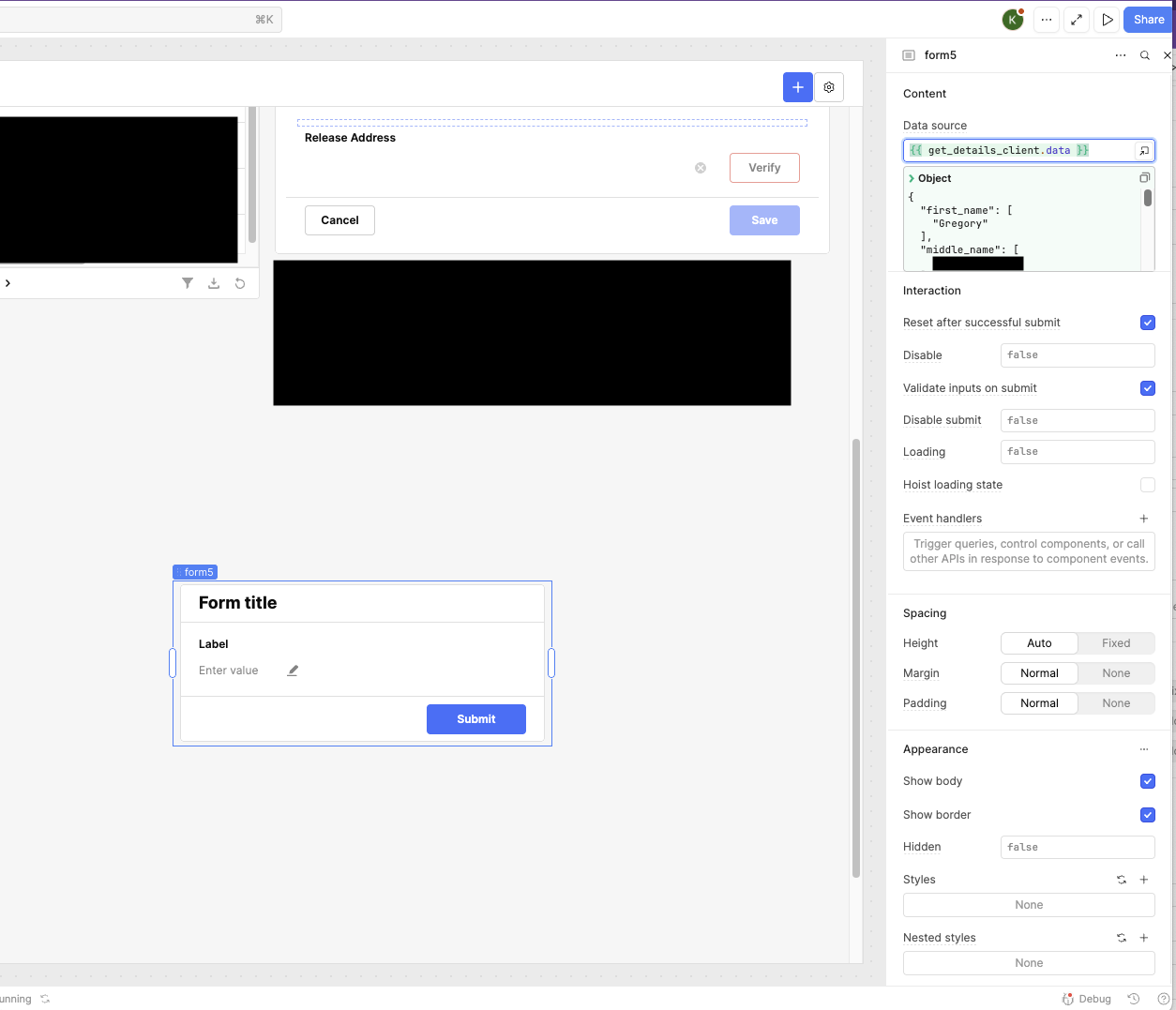
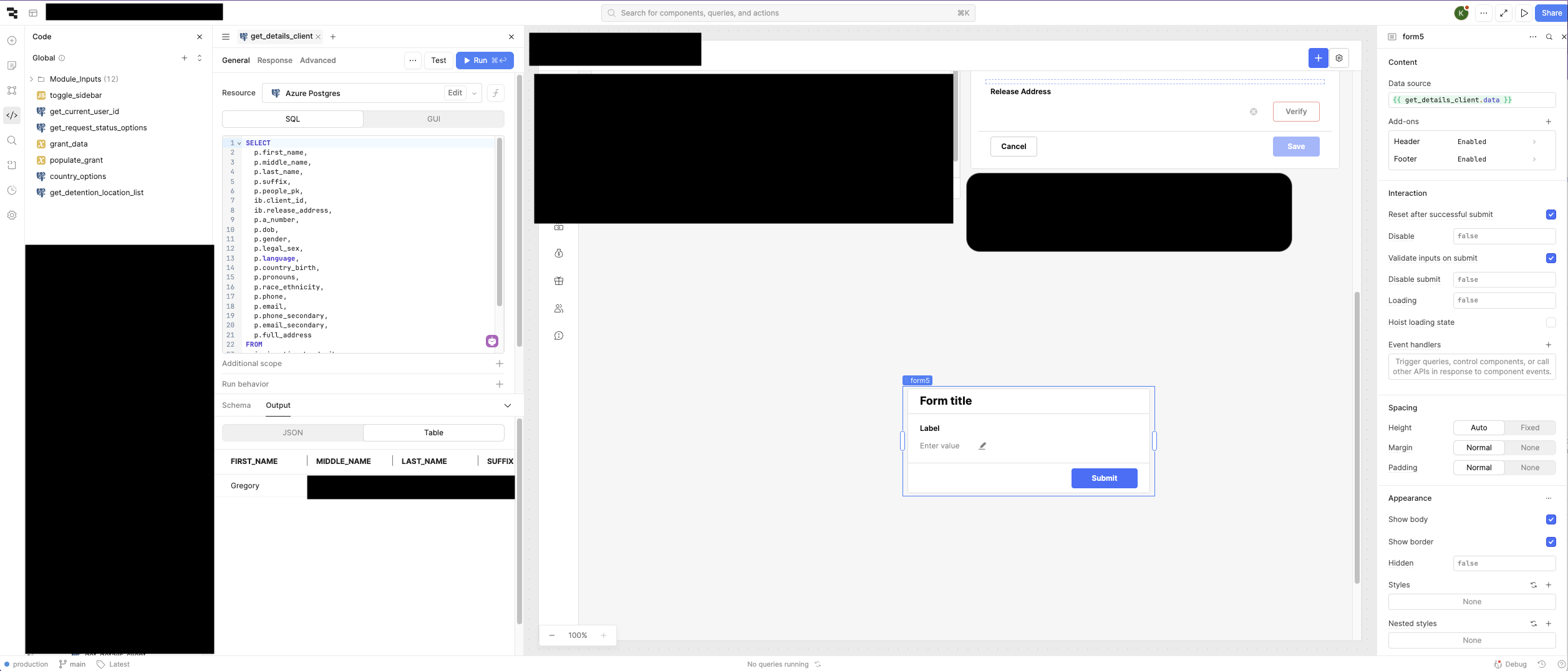
My goal is to populate data from a Postgres query to a form without having to set each individual field's default value.
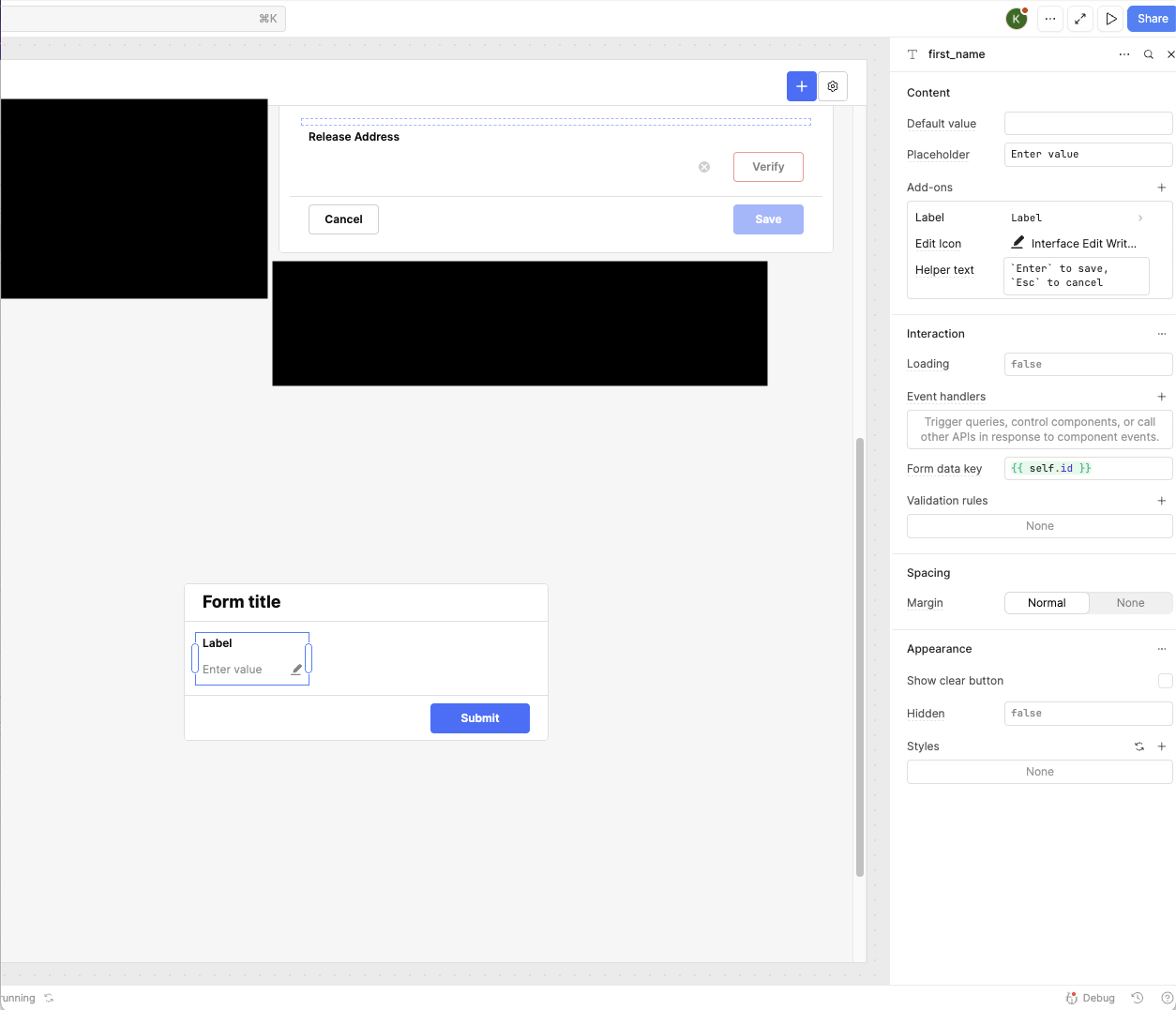
It looks like I have the data returning correctly in response to the query but the values don't show in the text fields. I have the fields named the same as the key values returned in the query.
As you can see in the screenshots, the key is "first_name" and I've named the text field the same. I just can't tell why it's not populating? Any thoughts? Thanks!
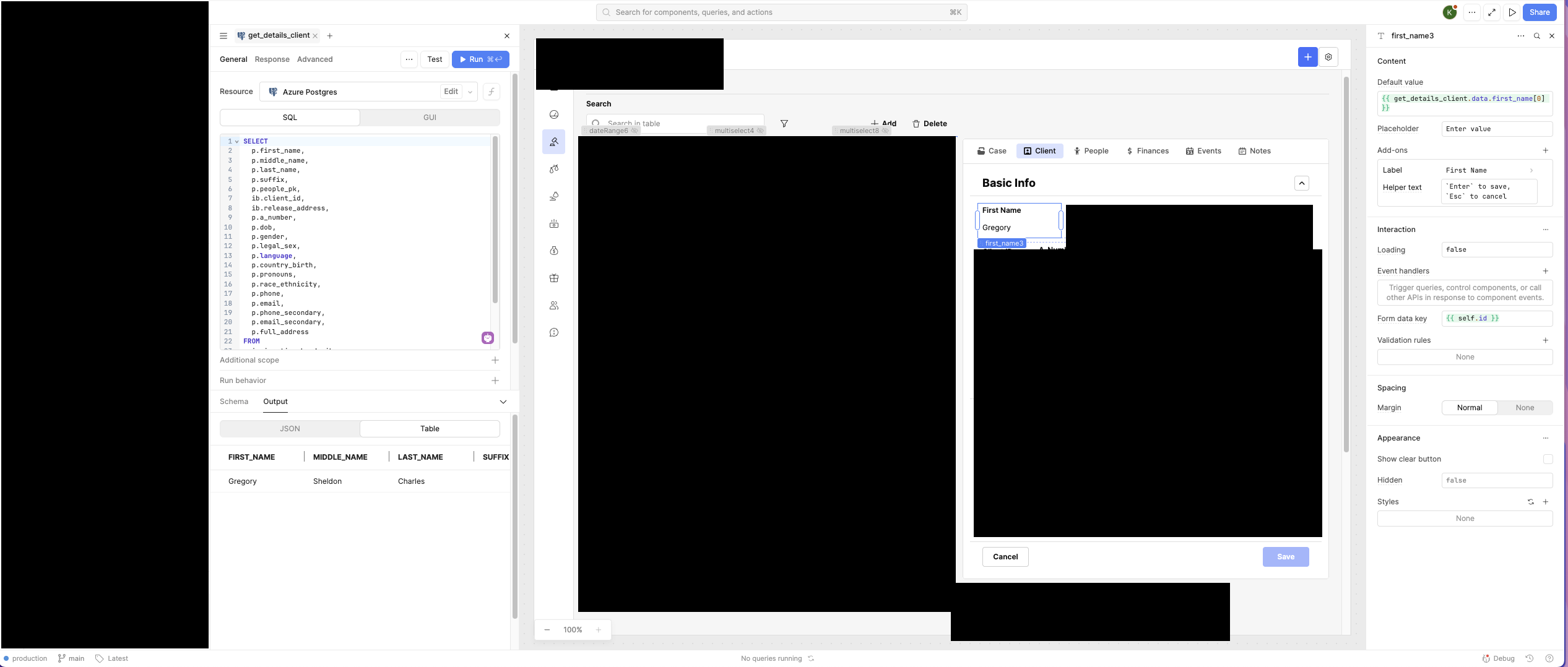
Edit: You can see in one of the screenshots, I get the name "Gregory" to populate by setting the default value of the field. But it doesn't seem to work when I set the entire form's data source.
I understand the issue you’re running into. To help clarify, I recorded a short video walkthrough showing how to populate form fields directly from a PostgreSQL query using sample data. This should give you a clear idea of how the data flows into the form.
Thanks for the video. I don't see what I'm doing differently, other than not using the auto-generated form fields. Any idea why the text field in my example screenshot isn't populating when it works fine if I set the default field value? Thanks
To expand on Widle's video above, the difference is that you need to set the "Form Data Key" in the inspector to the matching key from the data source - first_name in your example. It's about halfway down and is {{self.id}} by default. When the form is created using auto-generated form fields, it's doing this automatically.
In general, it's better practice to use the form data key when setting up form fields rather than setting a default value. It will let you do things like comparing form.initialData vs form.data to see which fields have changed and you'll be able to more easily submit updates by using the whole data object since it's already going to be correctly formatted as key:value pairs.
What's confusing me is that {{self.id}} is evaluating to "first_name". So I would expect it to work without changing the Form Data Key value, right? Thanks!