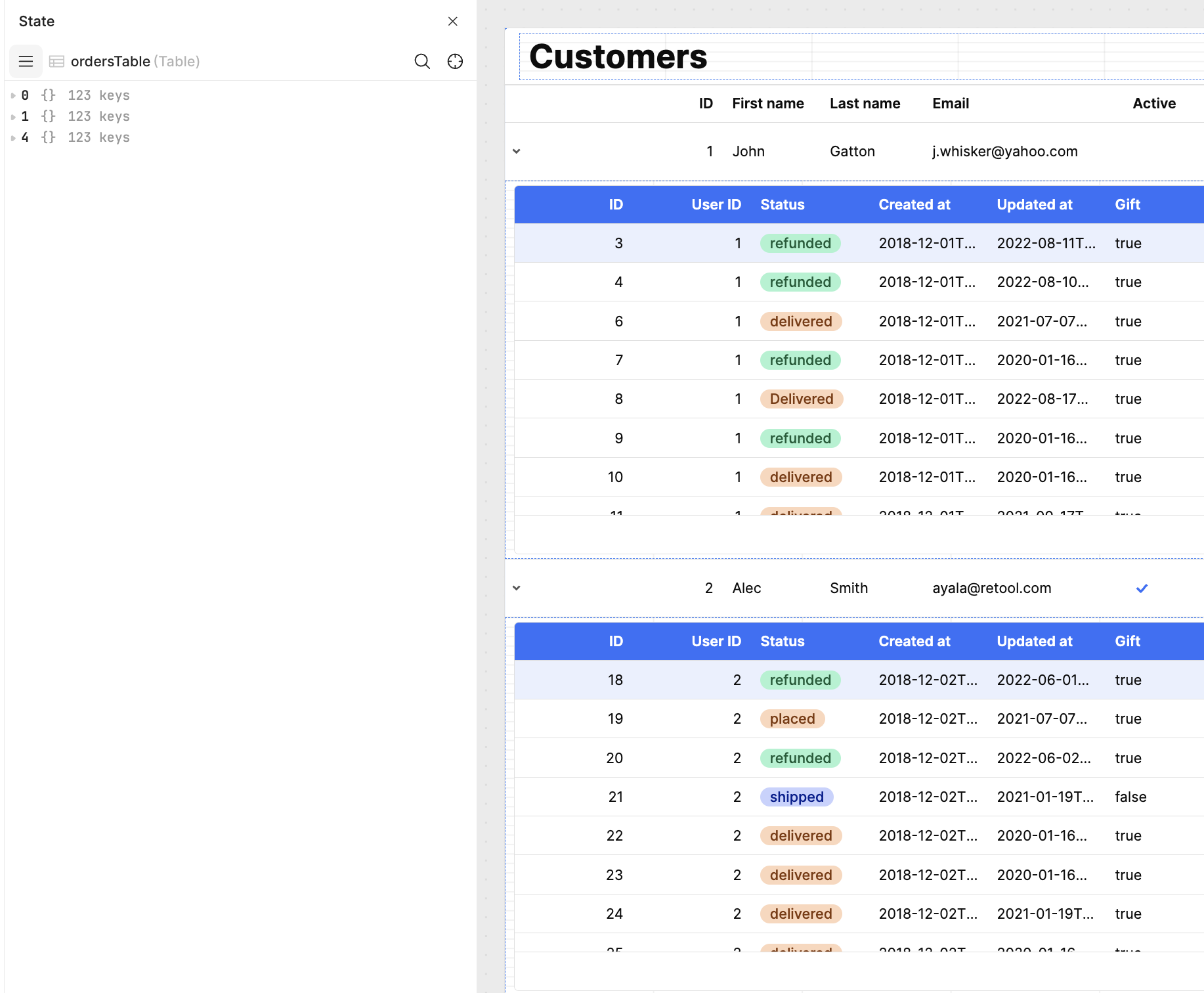
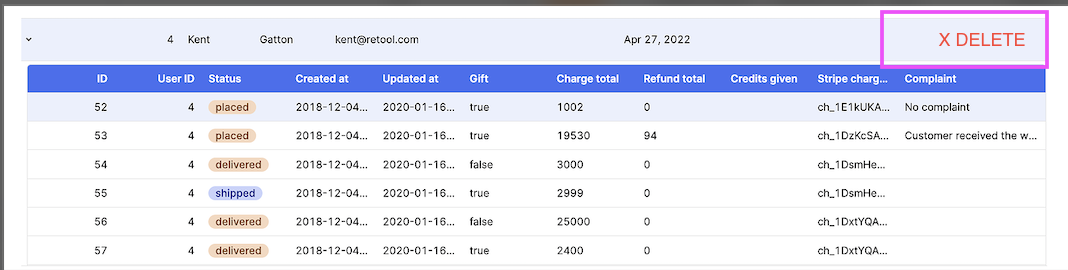
Today, we'll learn how to show nested details per parent row (e.g., customers → orders) without over-fetching or tying all nested tables to the same data.
When working with a large amount of data, fetching all rows for multiple tables can slow down our application on page load. For example, if we have ten thousand customers, and each customer has an average of a hundred orders, we'd be querying for over a million records at once.
Some of the main cons of querying once for all records are:
- High upfront cost in memory and transfer time.
- If you only look at a small subset (say, one customer’s orders), most of the data is wasted.
- Your app may feel slower initially.
- Can hit client/browser performance limits if you try to render large tables.
Instead, we can run a single query to retrieve our customers and only fetch their orders when the end user expands that row. Here is a screenshot of the result:
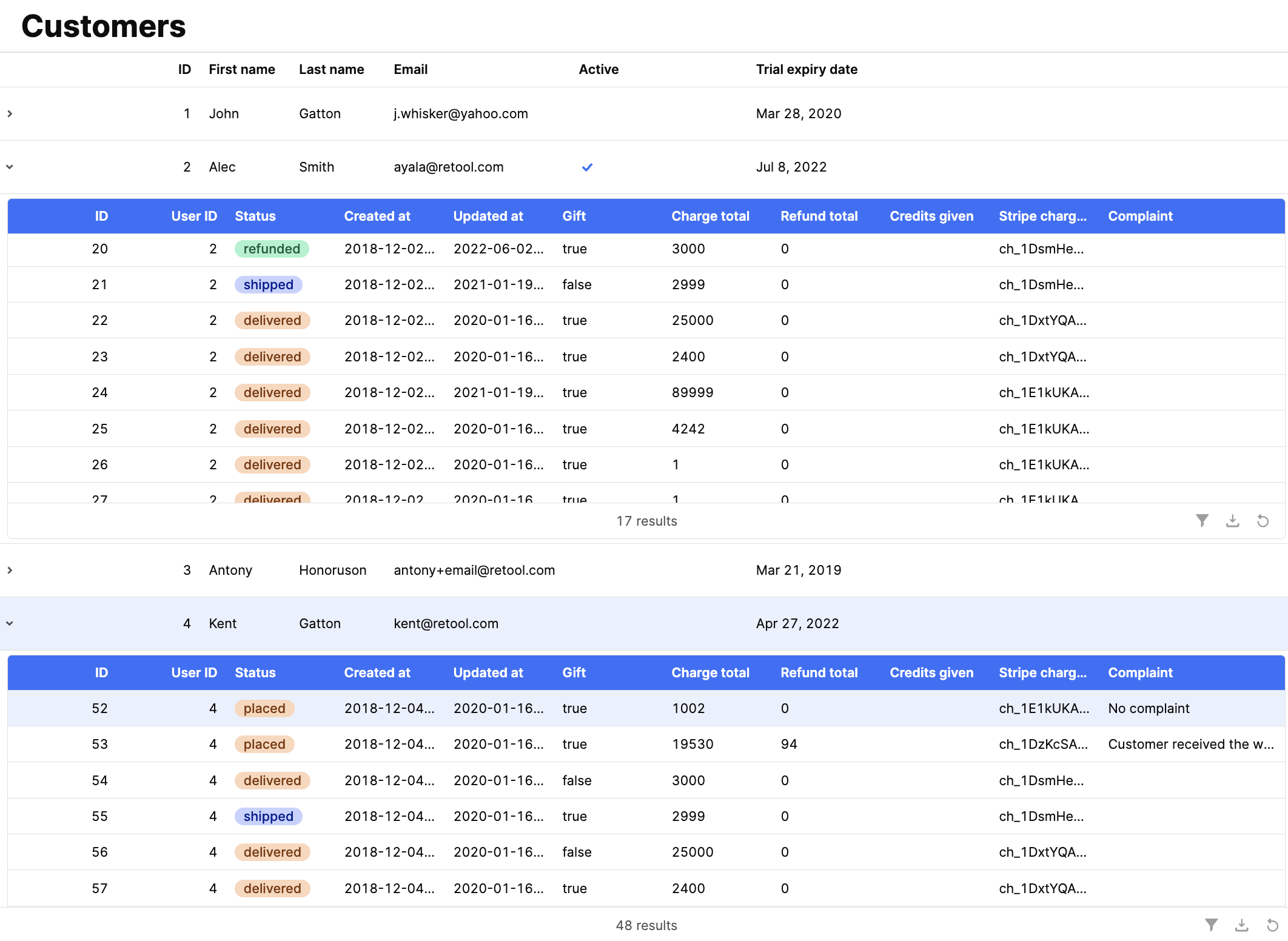
Note: We could also add server-side pagination to only retrieve a subset of customers. I'll skip that to keep it simple, but here is a link if you'd like to learn more.
Functionality
- Expand-on-demand: Only fetch child data when a row is expanded.
- Per-row isolation: Each nested table renders its own data slice.
- State management: Use an array keyed by the parent row index to store fetched child data. While an object could support more complex state management, this implementation relies exclusively on array indexing for reads and writes. As a result, all operations remain constant-time.
Implementation
Step 1: Create the queries to get Customers and Orders.
- The query to get customers is pretty straightforward:
select * from table_name order by id. - To create the query to get a customer's orders, we'll need to use
additionalScopeto pass theidof a customer when a row is expanded. If this is a new concept for you, check this topic. Here is an example:
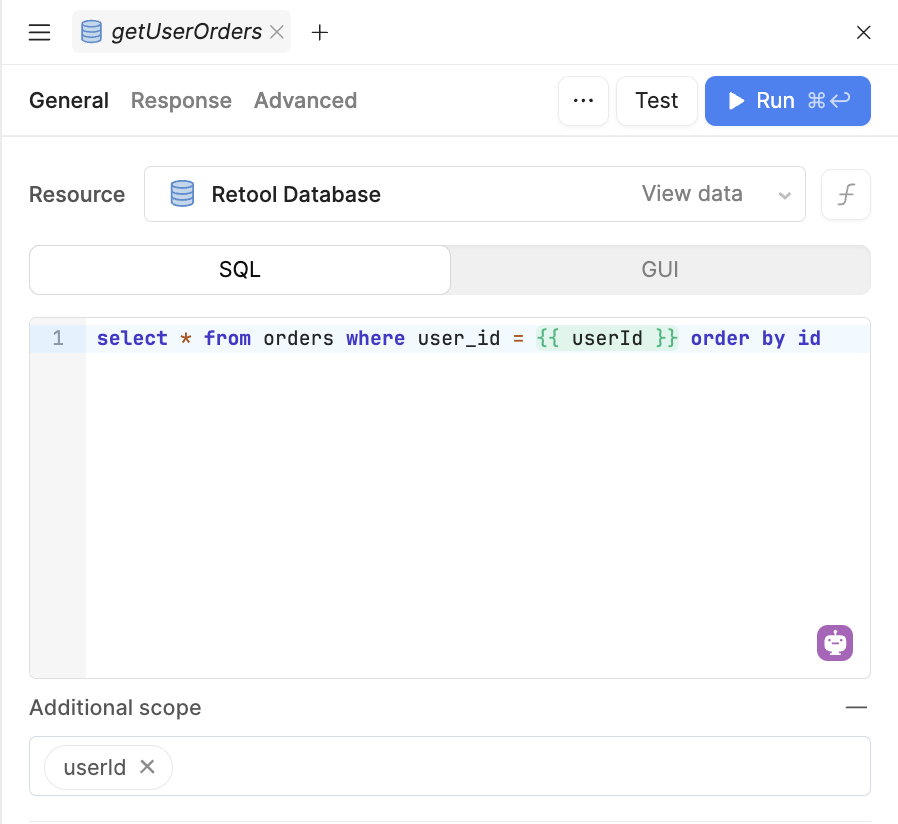
Step 2: Create a state variable to cache child data
- Initialize an array sized to
parentTable.data.length, filled with empty objects. Example:
ordersByUser = new Array(getUsers.data.length).fill({})
Note: we now have an array with 'n' empty objects, where 'n' is the number of customers we have.

Step 3: Add the necessary components to the Canvas
- One table component with expandable rows, and a table nested within the expandable row.

- The data source of the nested table should point to the element in the
iindex of the state variable.iis the index of the current item, in this case, the index of the selected row in the parent table (first row is 0, second row is 1, and so on).ianditemwithin a table work similarly to how they work within a List View component.
Note: On your end, you won't see the nested table populated at this point because the state variable we are using for state management hasn't been populated with orders yet.

Step 4: Fetch the orders for the selected customer:
- On the parent table, we need an "Expand row" event handler to trigger the
getOrdersquery, sending theuserId(customer's id) usingadditionalScope, but if we have already fetched it, we shouldn't need to fetch it again if the end-user collapses a row and expands it again. - To avoid querying for the same data multiple times, we need an "Only run when" condition. Here is one example:
Note: In the condition, we're checking if the state variable no longer has an empty object at that index to prevent querying multiple times. Even if there were no orders for that customer, we would have keys with empty arrays as values. For example,


Step 5: Populate the state variable when a row is expanded
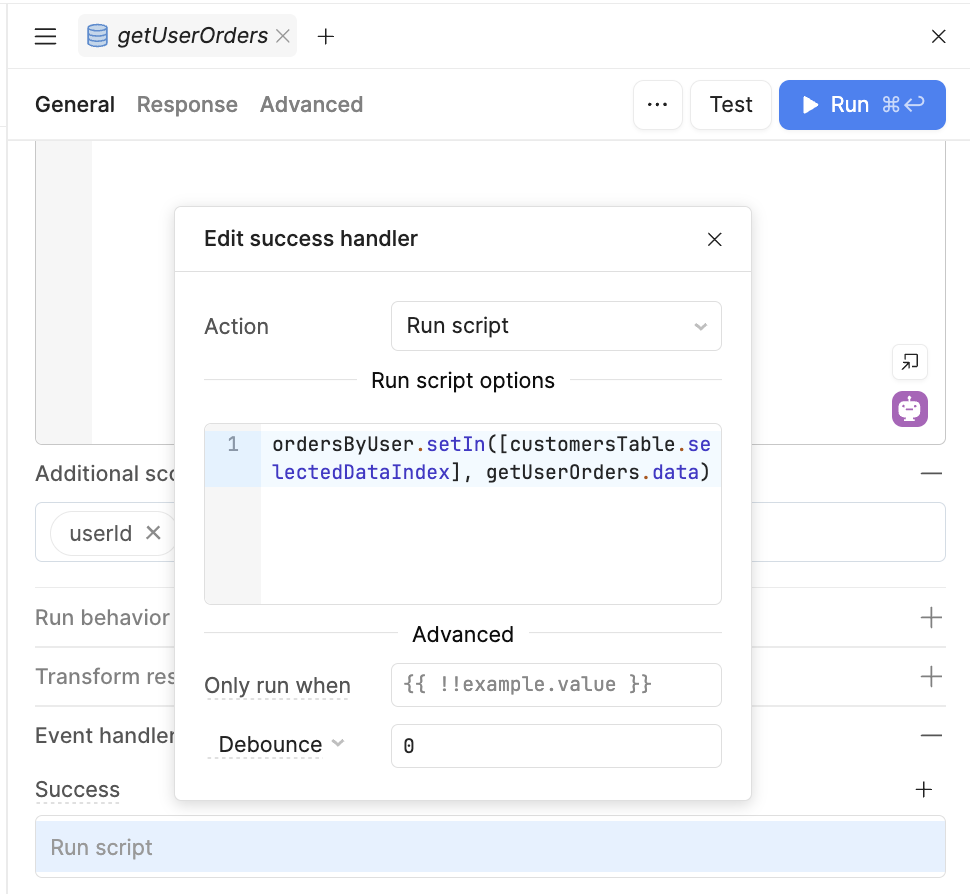
- To populate the state variable, we need a success event handler on the
getUserOrdersquery to replace the empty object at the correct index.
Note: Here is our documentation on thesetInmethod.
What about edits?
- If the use case requires allowing edits within the nested tables, you'll need to update the state variable after updating the records at the database level.
- Achieving this will be different based on your resource. Some resources, like AWS Redshift, don't support returning the updated records (it only returns a count). If this is the case, you may need to run another
SELECTto retrieve the updated rows and update the state variable. - You may also need to handle the bulk update per nested table if you want to keep the built-in save action buttons:
- You can also remove the save actions from the table and add a single save button connected to custom code to run the bulk update.
- Because the implementation for edits may be different for each builder based on requirements, I won't dive into it now, but feel free to ask any questions!