-
My goal: Make changes in retool app
-
Issue: Not able to see new changes on the current branch.
-
Steps I've taken to troubleshoot:
Add a new field on the json body of an existing resource.
Save ( it keeps loading )
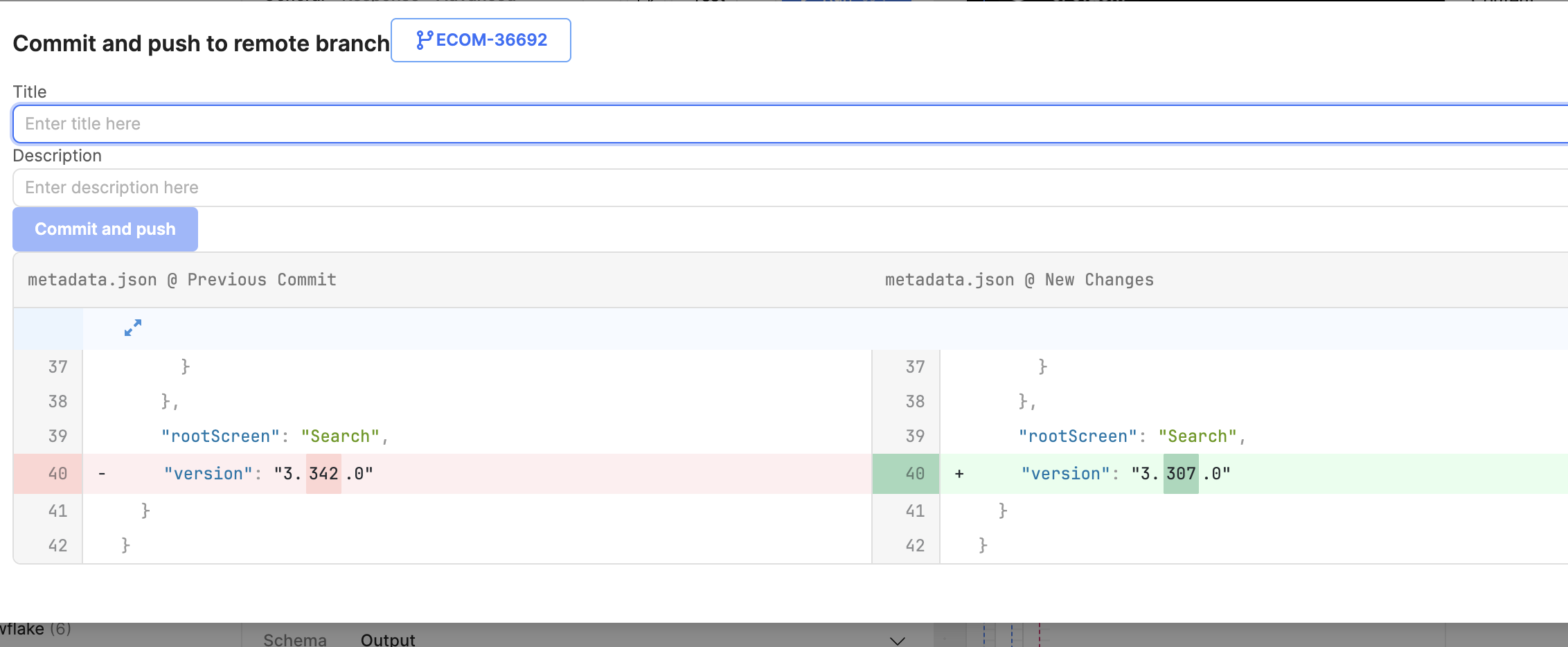
Update page, ( it doesn’t show new changes ). -
Additional info:
1 Like
Hey @Gonza, Welcome to the Retool community!
I understand your issue — sometimes this can occur due to a cache or network problem.
You can try the following steps:
-
Go back to the home screen and perform a hard refresh of the webpage to clear the cache:
- On Mac: Command + Shift + R
- On Windows: Ctrl + Shift + R
-
Create a new branch and make your changes there.
-
Wait until the changes are fully saved.
-
For testing purposes, add a simple test JS query, then commit the changes.
-
After committing, verify whether the changes have been saved properly.
Please let me know if the issue still persists.
Hey there @Gonza, welcome to the Community! 
Thanks for reporting this, I have a few clarifying questions:
- Are you still experiencing this issue?
- Are you using Retool Cloud or self hosted? If self hosted, which version are you on?
- Did this issue start happening after a Retool version upgrade?
- Before creating your new branch, had there been any recent merges to your main/master branch?
Let me know and we can dig in! Thank you!
1 Like
Hey @Gonza do you still need help? Did you get the chance to look at the questions above? Let me know, thanks!
1 Like
Hi !
Thanks for reaching out, there is no issue so far.
1 Like
Hey @Gonza thanks for the update, do you remember what you did to fix it?