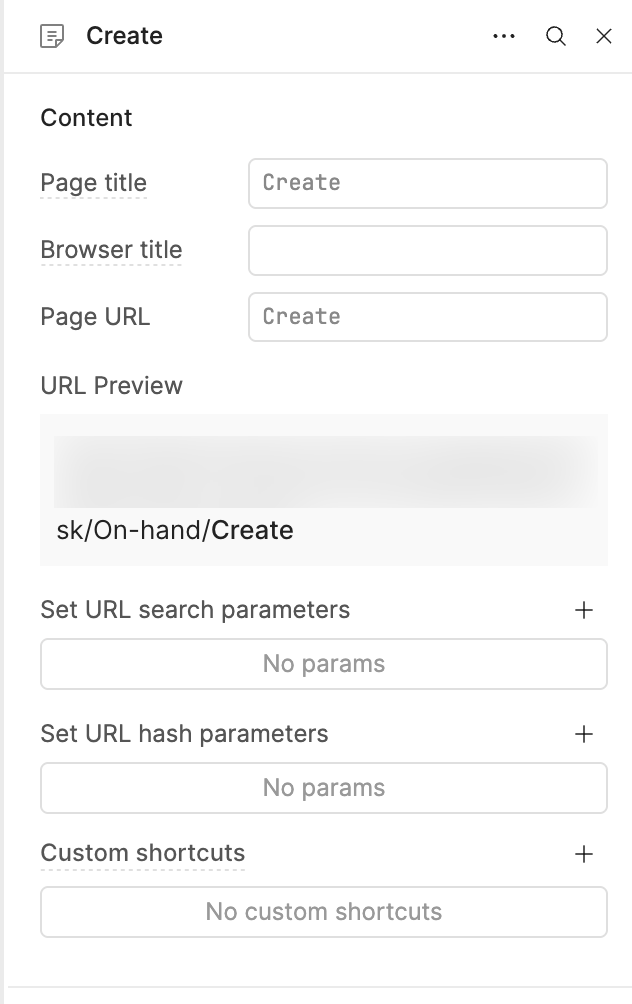
Here's a snippet of the browser's URL address, with left-over hash parameters:
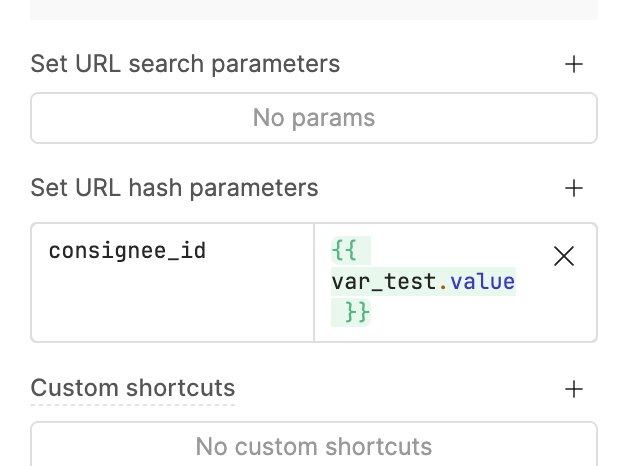
If I create a variable var_test and set its value to "testvalue", then map that as a hash parameter, it'll overwrite the parameter consignee_id with that value:
Hey @CoderNadir - there's not a great way for us to programmatically fix this issue, as it's the result of the one time process that converted single page apps to multi page. The solution is to perform what we refer to as "JSON surgery" - export the app as JSON, open the resulting file in a code editor, manually remove the legacy hash params, and then reimport the edited JSON into Retool.
I don't offhand know exactly which parts need to be edited, but am happy to take care of it for you. Alternatively, feel free to poke around yourself.
What should I search to find the legacy hashParams and how the legacy one looks like?
like are there some prefix/suffix keys to find the hashes? @Darren / @Isabella_Borkovic
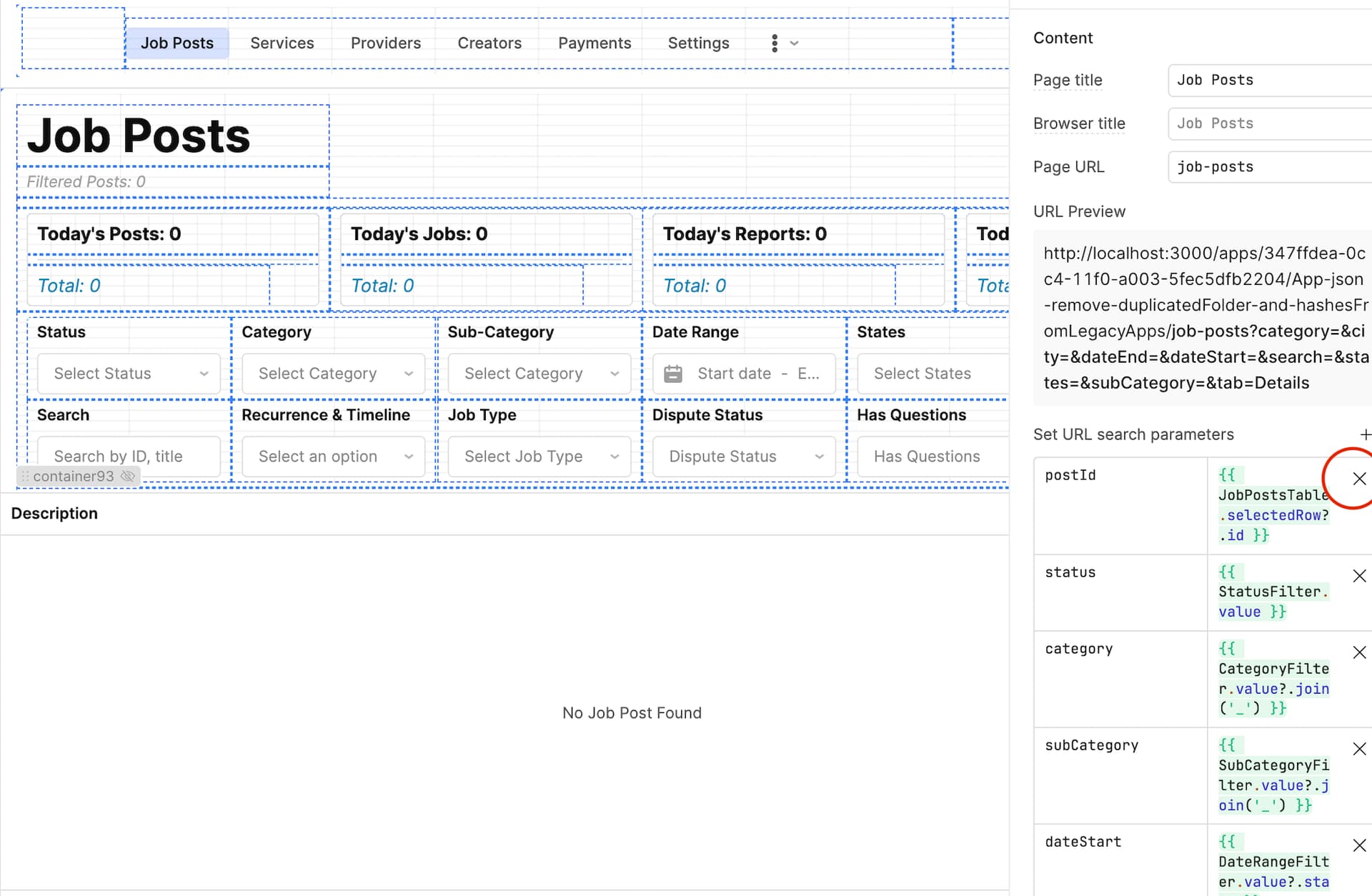
It turns out that the parameters were not actually legacy hash parameters, they were parameters you set yourself on the page plugin!
You can remove them in the IDE:
Those are searchParams not hashParams, very clear naming!
in the email I highlighted the hashParams by sharing multiple URLs that each one belongs to a specific page, and in each URL page the same hashes are there again (hashParams) not (searchParams) and even if I removed the (searchParams) as you mentioned above as the solution which is not the solution those (hashParams) will still there
Anyways, I solved the issue myself , please unmark your post as the solution and I'll share soon how I did it in another post and reply here then we can mark it as the solution as I believe my approach will be much cleaner and definitely will get rid of those hashParams from legacy apps when migrating






 , please unmark your post as the solution and I'll share soon how I did it in another post and reply here then we can mark it as the solution as I believe my approach will be much cleaner and definitely will get rid of those hashParams from legacy apps when migrating