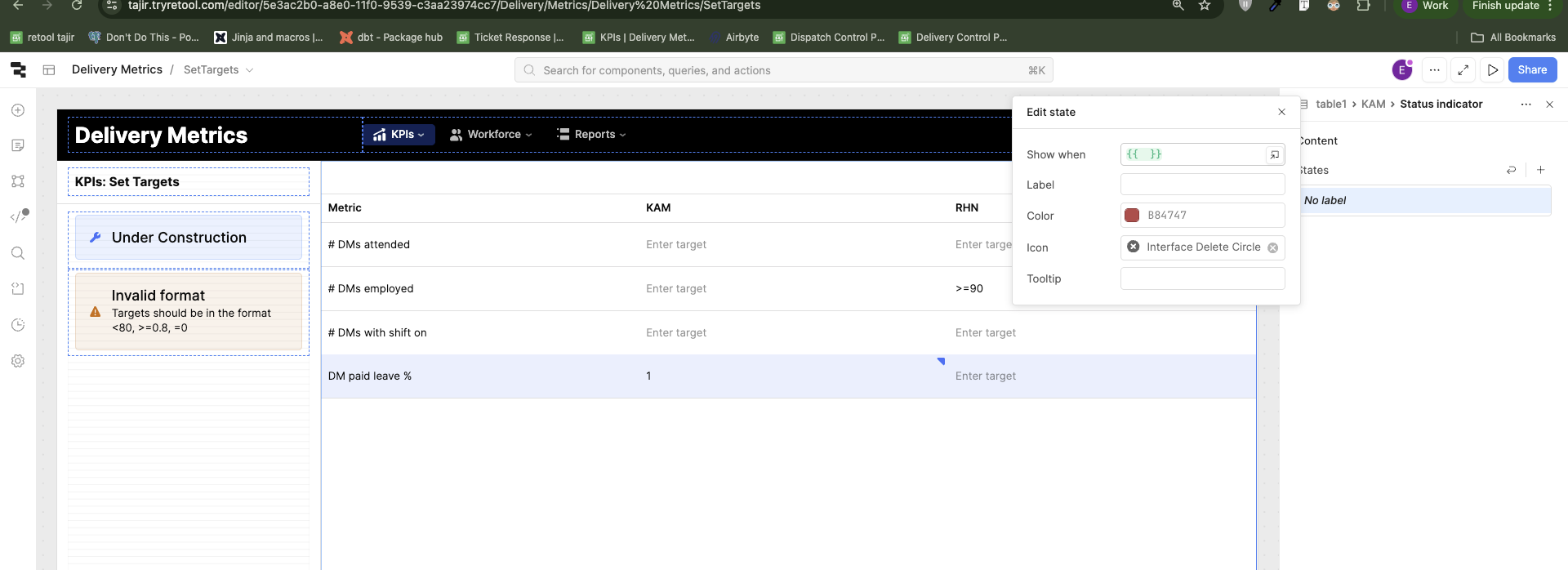
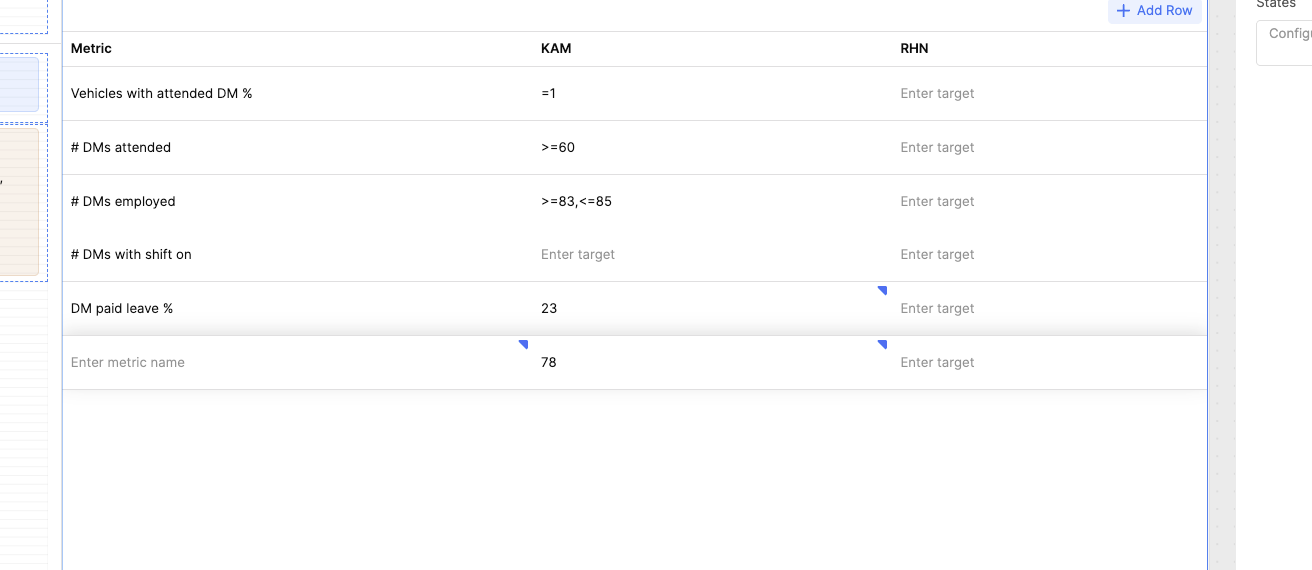
Hi, I mean to perform some validation on the changed value of some column and show a status indicator if it's not valid. How do I access the changed value of this cell?
I mean to add the same behavior on new rows too.
Hi, I mean to perform some validation on the changed value of some column and show a status indicator if it's not valid. How do I access the changed value of this cell?
I mean to add the same behavior on new rows too.
Hi there @engineering-tajir,
all tables have changesetArray() and changesetObject() properties which you can use to access the changed value of cells (if you right click on the table and select "View State" you'll see the structure of the mentioned properties).
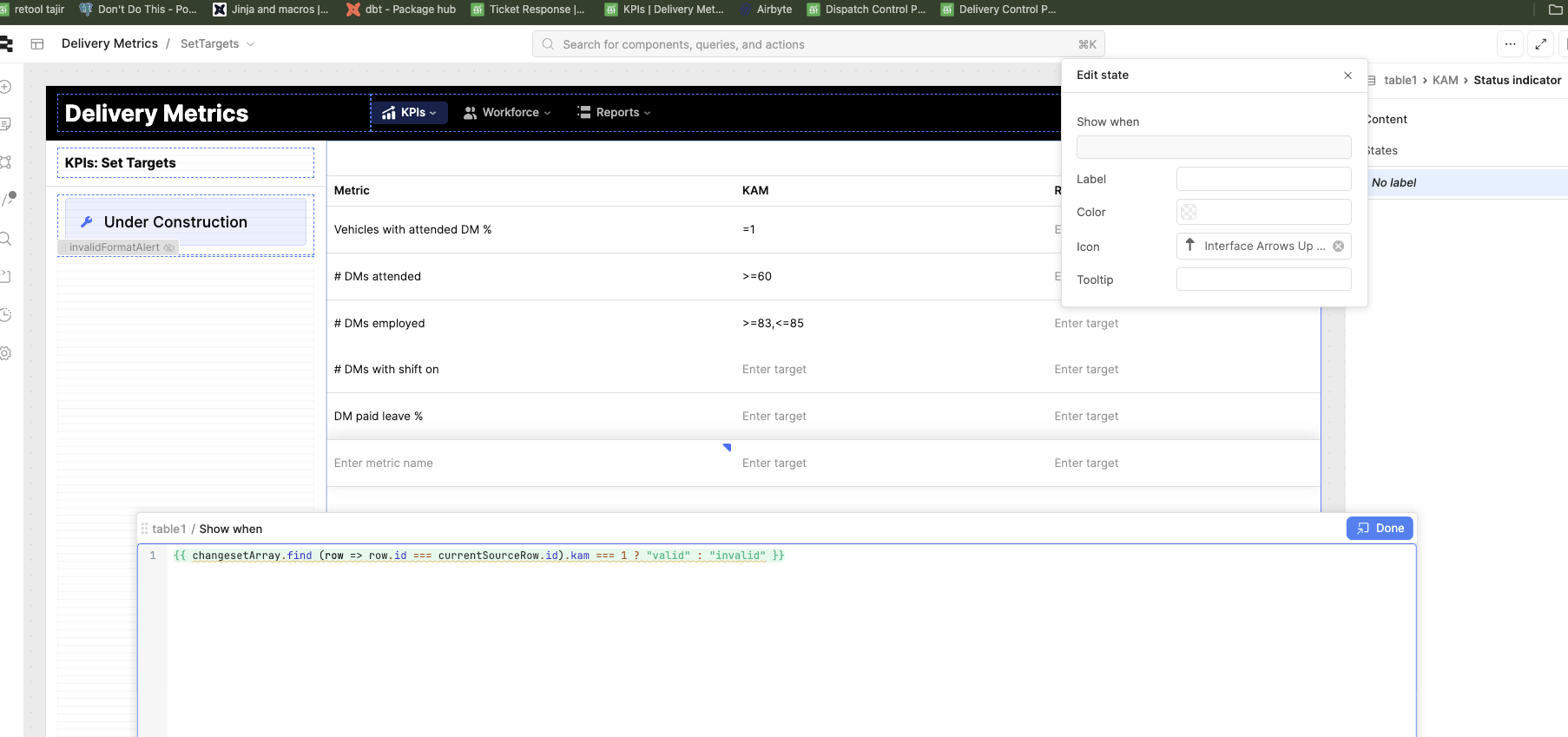
You will have to perform a sort of look up for the specific row and key of the cell, e.g. {{ changesetArray.find (row => row.id === currentSourceRow.id).kam === 1 ? "valid" : "invalid" }}
Does this make sense?
I've never used the New Rows functionality, but I'm guessing it will be something similar.
@MiguelOrtiz thanks for providing the solution with the changeset array. However, it'll trickier with new rows since a new row doesn't have an id!
Hey @engineering-tajir ,
Building on @MiguelOrtiz’s solution — you’re absolutely right that the new rows don’t have an id, which can cause issues when trying to track their state.
In this case, you can use a flag or another identifying column in your dataset to determine the row’s status and display the appropriate color based on that value.
Here’s a quick example you can adapt:
{{
  changesetArray.find(row => row.status === currentSourceRow.status) === 'Success'
    ? "green"
    : "red"
}}
This checks whether the current row’s status matches a successful entry in the changesetArray and updates the color accordingly — green for success, red otherwise.
You can easily expand this logic if you have more status types (like Pending, Failed, etc.) or want to apply different styling based on each.
Hope this helps clarify things!
@MiguelOrtiz I am adding a status indicator and changesetArray is not accessible in there
I noticed an issue with this part of your code:
{{ changesetArray.find (row => row.id === currentSourceRow.id).kam === 1 ? "valid" : "invalid" }}
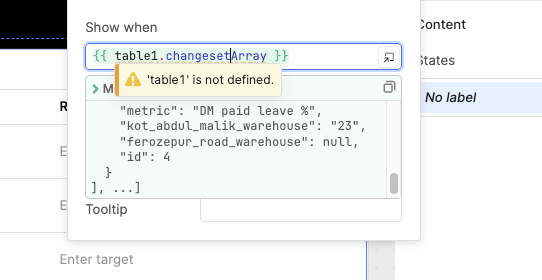
The problem is that the tableName reference is missing, which makes the changesetArray inaccessible. You’ll need to include the table name prefix (for example, {{ table1.changesetArray.find(...) }}) so that the data can be properly fetched from the right table.
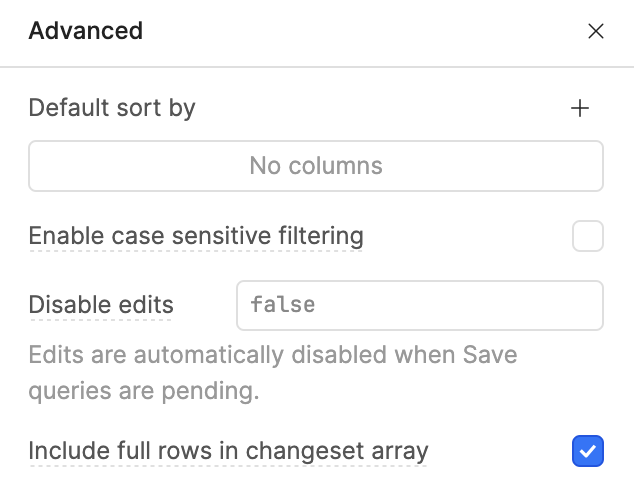
Also, please double-check that “Include full rows in changeset array” is enabled — you can find this setting under the Interaction section → three dots menu in the table component.
Once you fix these two things, your expression should work correctly.
@WidleStudioLLP I can't access changesetArray when setting up the status indicator. Also my goal is to show some red status icon with the cell if the edited value is invalid. Right in the editor mode before saving my changes. I am not sure how a status column would help with that.
@engineering-tajir , Just to clarify — I was only giving an example earlier. If the id field isn’t working properly for new rows (for instance, if it’s not generated yet or doesn’t exist in the dataset), you can use another unique column in your condition check instead. The key idea is to reference a field that’s reliably available when comparing rows.
Also, quick question — do you have fixed KAM values defined for every metric, or can they vary dynamically based on the data?
Knowing this will help in setting up a more robust condition and prevent lookup issues when handling new or unsaved rows.
Hi, thanks a lot! Works now. Basically I was confused because I see this message (table not defined) when trying to access the data. It shows a yellow swiggly line (BUG maybe) but data is still accessed.
Hi, @WidleStudioLLP thanks for the help. My understanding suggest that whenever we add a new row, it generates a row with empty cells for all the editable fields. In my case, all three of the displayed columns are editable. The only non-editable column is id (which is currently hidden)
This is what my newRows contain when I add a new row and set just the KAM column's value for now
[[
  {
    "metric": "",
    "kot_abdul_malik_warehouse": "78"
  }
],[
  {
    "metric": "",
    "kot_abdul_malik_warehouse": "78"
  }
],[
  {
    "metric": "",
    "kot_abdul_malik_warehouse": "78"
  }
], ...]
That's exactly my concern. For new rows, we don't have any available field to compare rows.
@engineering-tajir
Glad to hear the code is working well now!
If you ever see that warning icon or message pop up again, try doing a hard refresh (Ctrl + Shift + R / Cmd + Shift + R) to clear the cached data. Sometimes Retool temporarily holds onto old component or query data, which can trigger these warnings — even though the data itself is still accessible and functioning correctly.
A quick refresh usually resolves it, and everything should load cleanly afterward.
Also, if the warning persists, it might help to open the console log to confirm whether it’s just a UI cache issue or something related to the component’s state update.