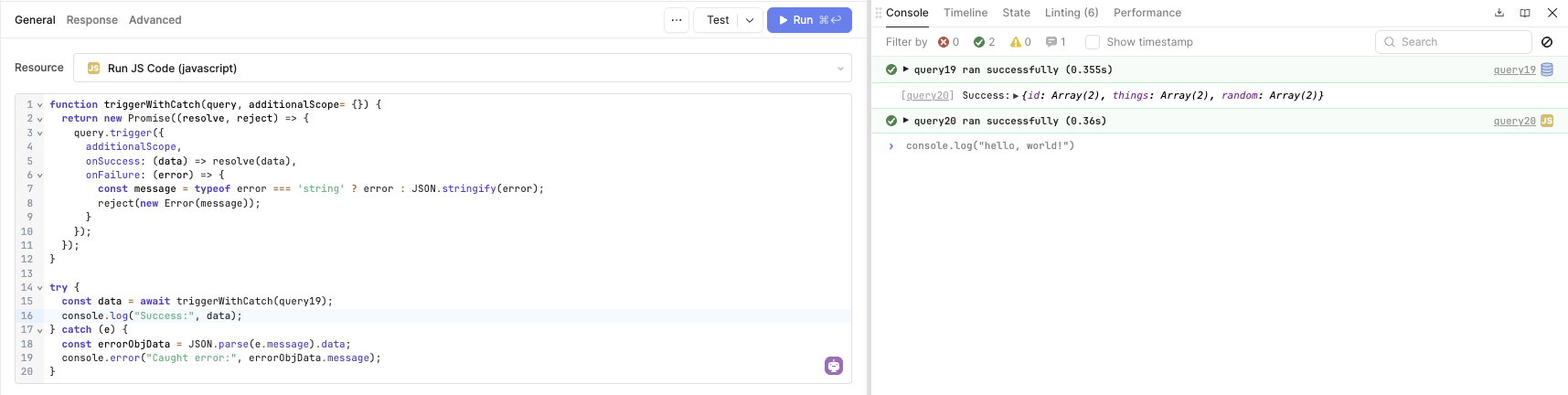
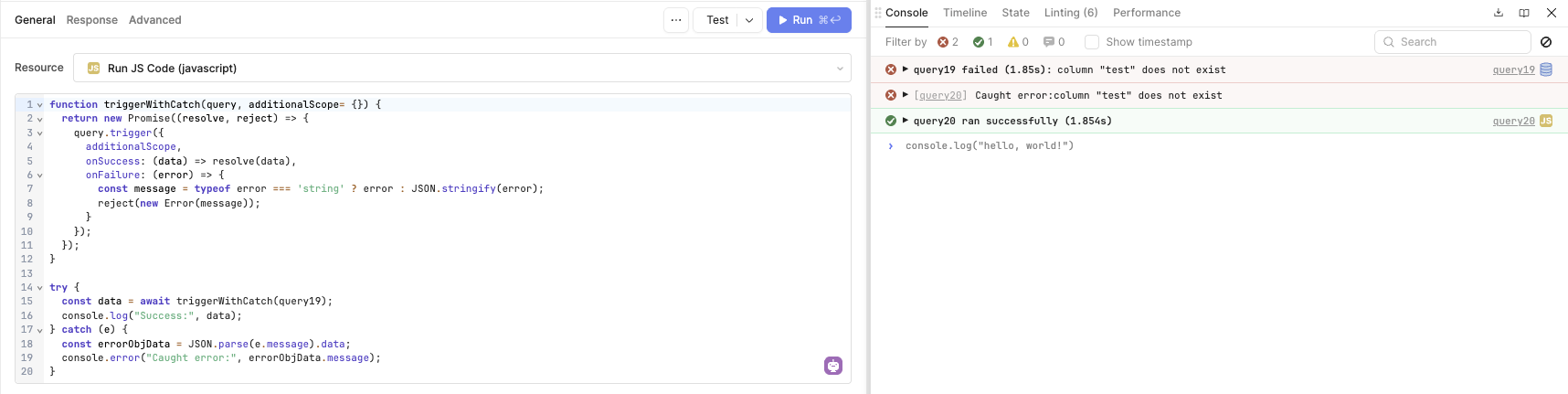
We have seen some users running into issues with this, and we do have a feature request to handle this natively, but in the meantime, here is a workaround.
Issue:
Currently, if a query is triggered using the trigger() method, it will resolve even if the triggered query fails, preventing the catch block from being run.
Workaround:
I found that if you wrap the trigger in another promise that rejects when the query has failed, then the try/catch blocks work!
Hi @cperea , any when the fix for this will be released? I have a query calling some other inner queries and adding this workaround would make it too verbose. Thanks!
^^ In what scenarios would error not be a string? In my experience, this has always been a json string.
The comment:
If I call triggerWithCatch within triggerWithCatch, and an error is thrown in the second, it’s been my experience that the resulting error will contain something gnarly like
{"name":"QueryRunError","errorData":"{"name":"QueryRunError","errorData":"This is my original error message.","trigger":"NATURAL_FAILURE","displayOptions":{"hideToast":false},"lineNumber":104}","trigger":"NATURAL_FAILURE","displayOptions":{"hideToast":false}}
Notice how there is an errorData that has another error object (as a string) within it.
I addressed this by making the following change – radically candid feedback welcome
function triggerWithCatch = (query, additionalScope = {}) => {
  return new Promise((resolve, reject) => {
    query.trigger({
      additionalScope,
      onSuccess: (data) => resolve(data),
      onFailure: (queryError) => {
        let errorToThrow = null;
        if (typeof queryError === "string") {
          try {
            const errorAsObj = JSON.parse(queryError);
            errorToThrow = new Error(errorAsObj.errorData);
          } catch {
            errorToThrow = new Error(queryError);
          }
        } else if (queryError instanceof Error)
          // I don't think we'll ever get in here.
          errorToThrow = queryError;
        else
          // I don't think we'll ever get in here.
          errorToThrow = new Error(JSON.stringify(queryError));
        reject(errorToThrow);
      }
    });
  });
}
I don't have any specific examples, but imagine the template that Christian shared here is essentially just a generic template. You're definitely encouraged to tweak it to suit your particular needs!
The exact value associated with the errorData key, for example, will vary depending on the specific API that you're hitting. It might make more sense to check whether it is a string instead of queryError.