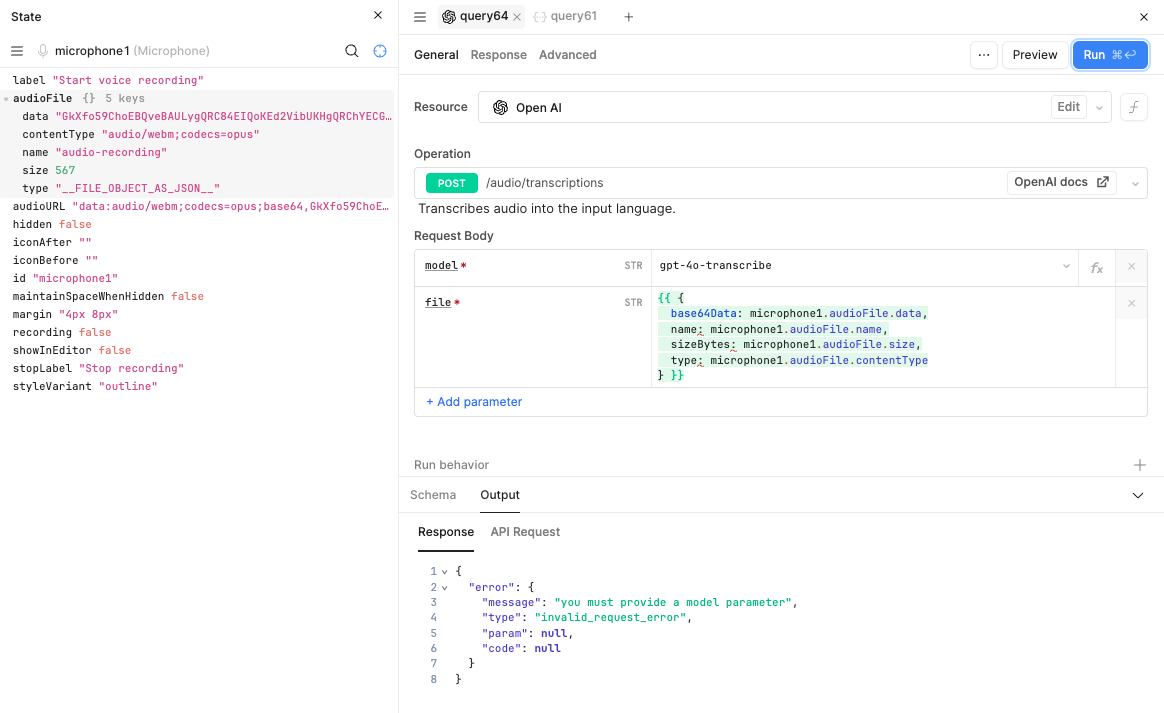
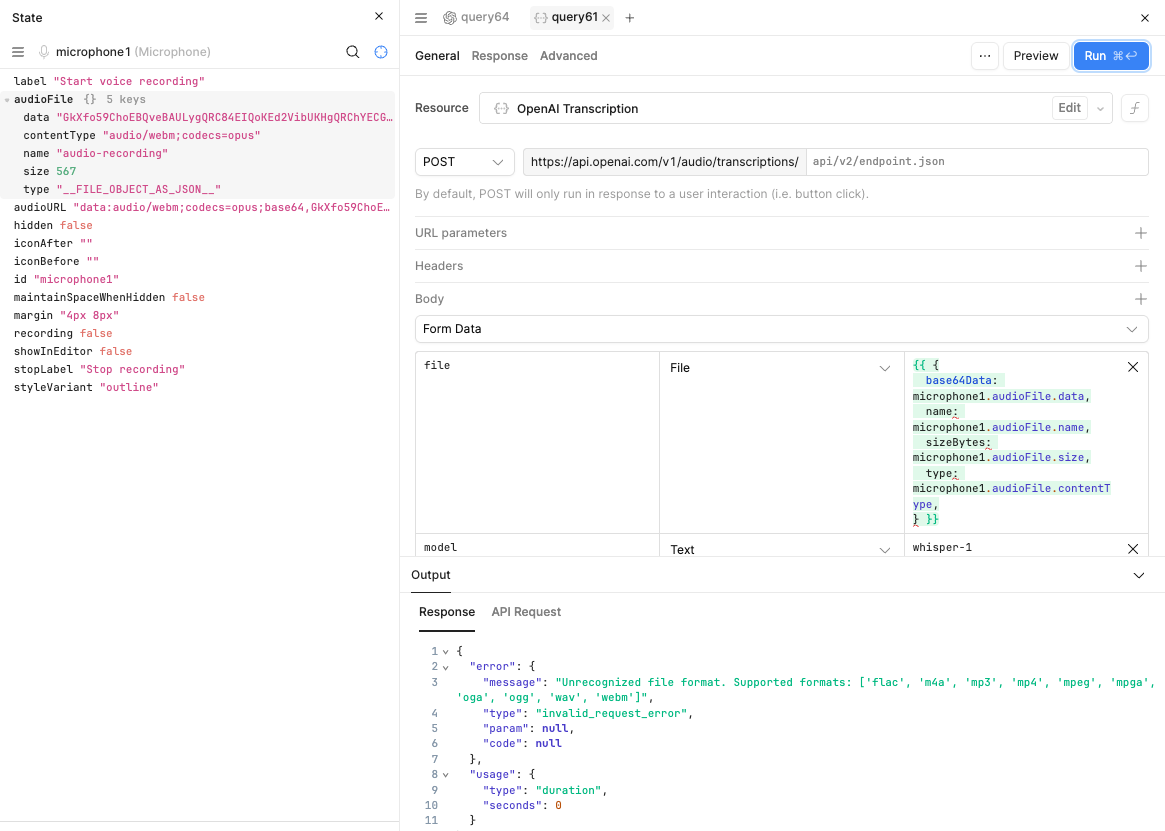
Trying to transcribe a simple recording from microphone component.
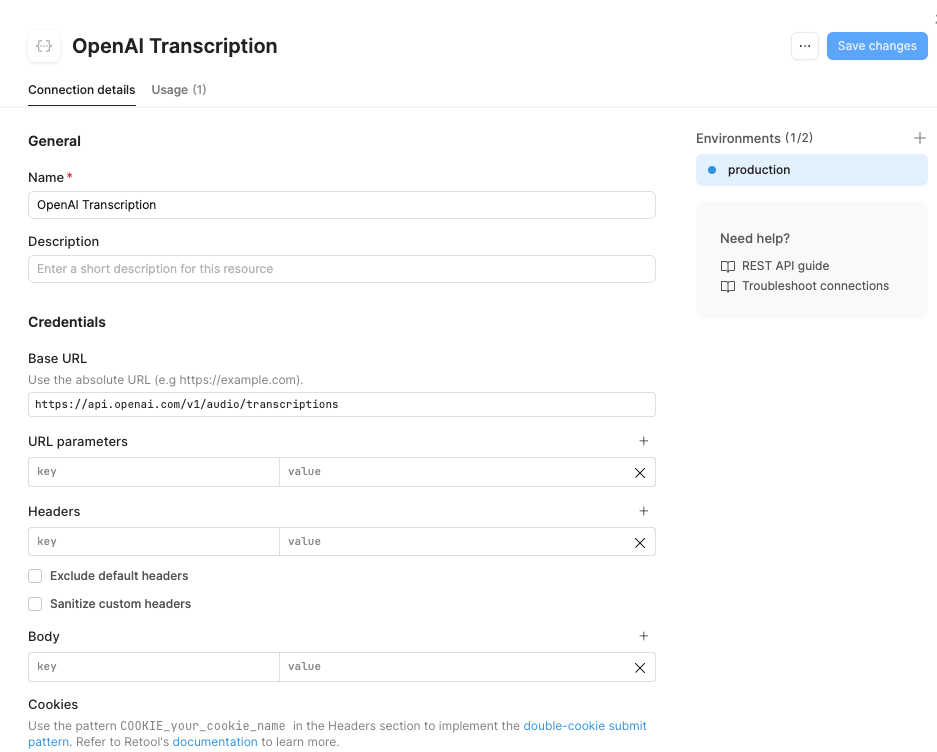
Tried (a) OpenAI resource and (b) creating my own openAI resource. Nothing seems to work and would love your help!
Trying to transcribe a simple recording from microphone component.
Tried (a) OpenAI resource and (b) creating my own openAI resource. Nothing seems to work and would love your help!
Hey @Ori
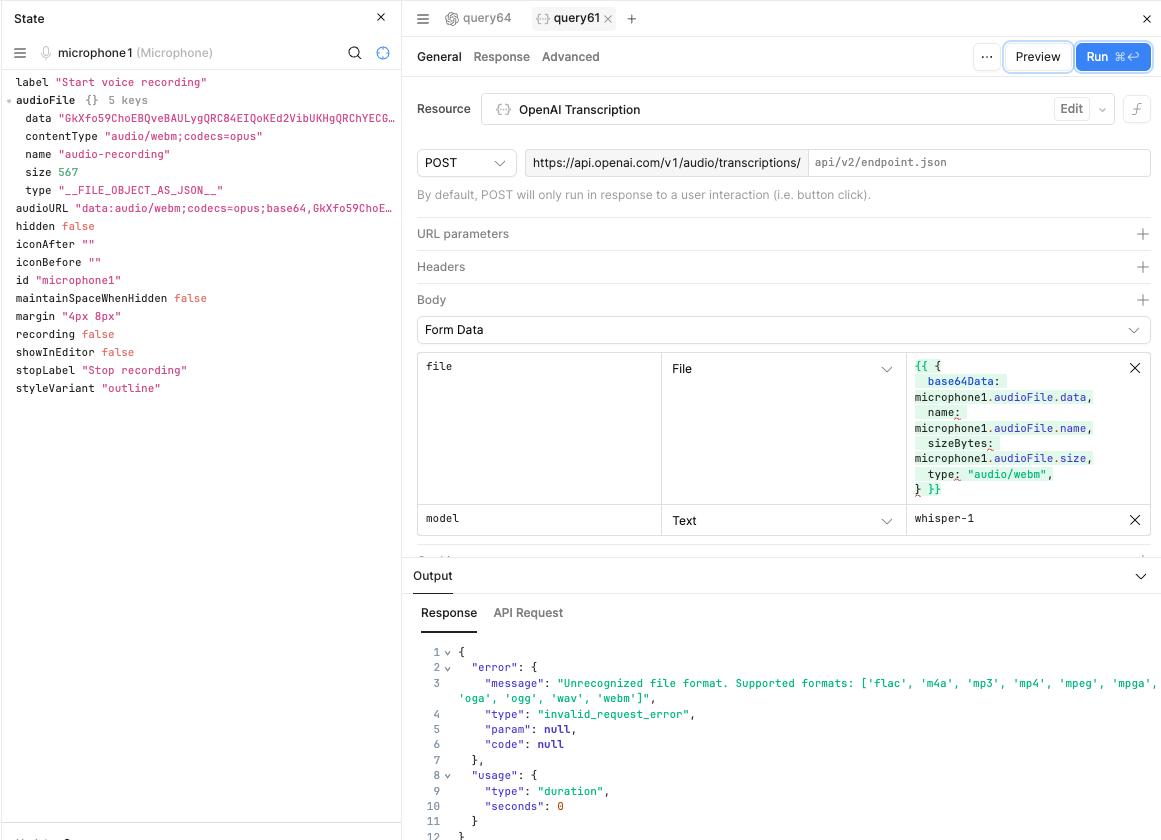
You can send the data to your REST API in the following JSON format
{
  "base64Data": {{ microphone1.audioFile.data }},
  "name": {{ microphone1.audioFile.name }},
  "sizeBytes": {{ microphone1.audioFile.sizeBytes }},
  "type": "audio/webm"
}
Hi @WidleStudioLLP and @Ori ,
I have been having a similar issue so I tried to send data as you described @WidleStudioLLP but did not work on my side if I put that right into the REST API file body paramater.
After some trial and error, I found a workaround (possibly a hack, not 100% sure why it works  ).
).
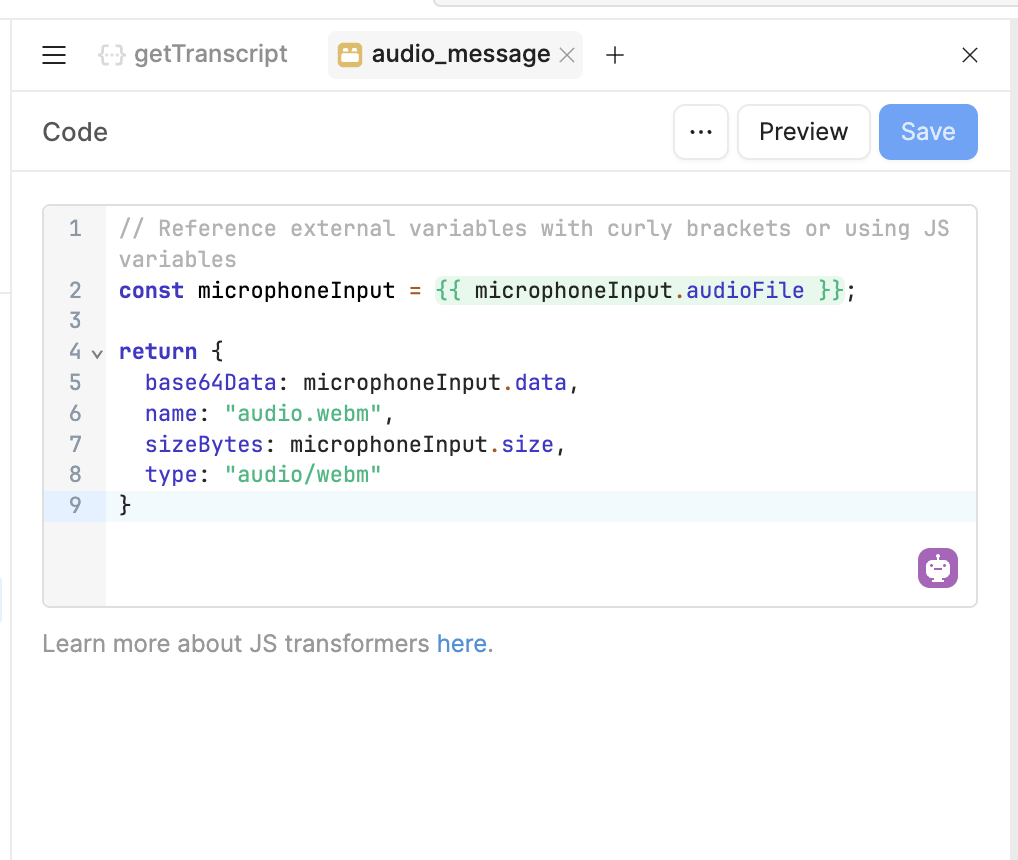
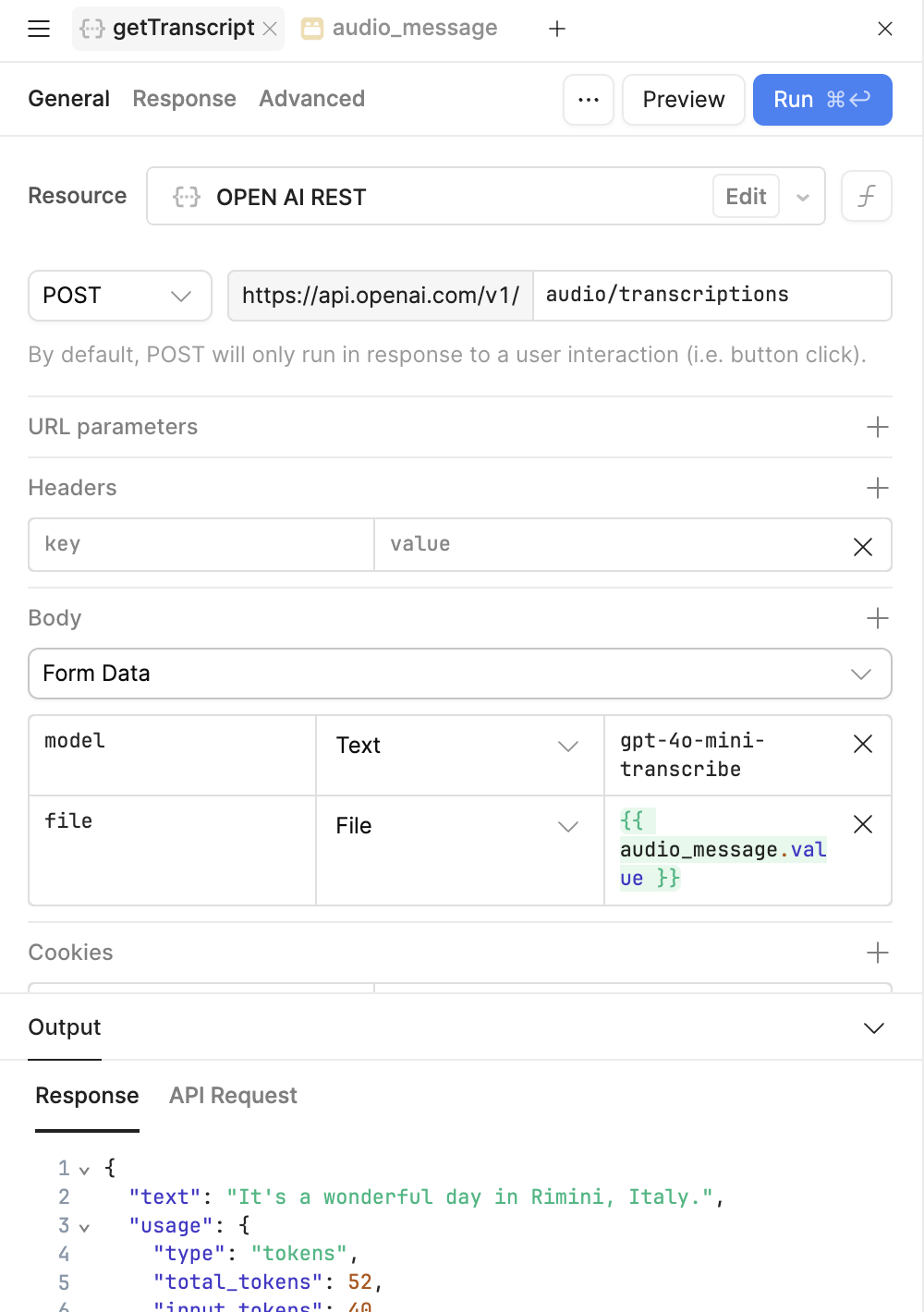
For some reason, when using a JS Transformer, the audio file object seems to get converted correctly into a Buffer, and the query to OpenAI works as expected.
Here’s what I did:
const microphoneInput = {{ microphoneInput.audioFile }};

return {
  base64Data: microphoneInput.data,
  name: "audio.webm",
  sizeBytes: microphoneInput.size,
  type: "audio/webm"
}
{{ audio_message.value }}, and it finally worked:Let me know if this works for you too, @Ori. Just curious to hear if it behaves the same on your setup!

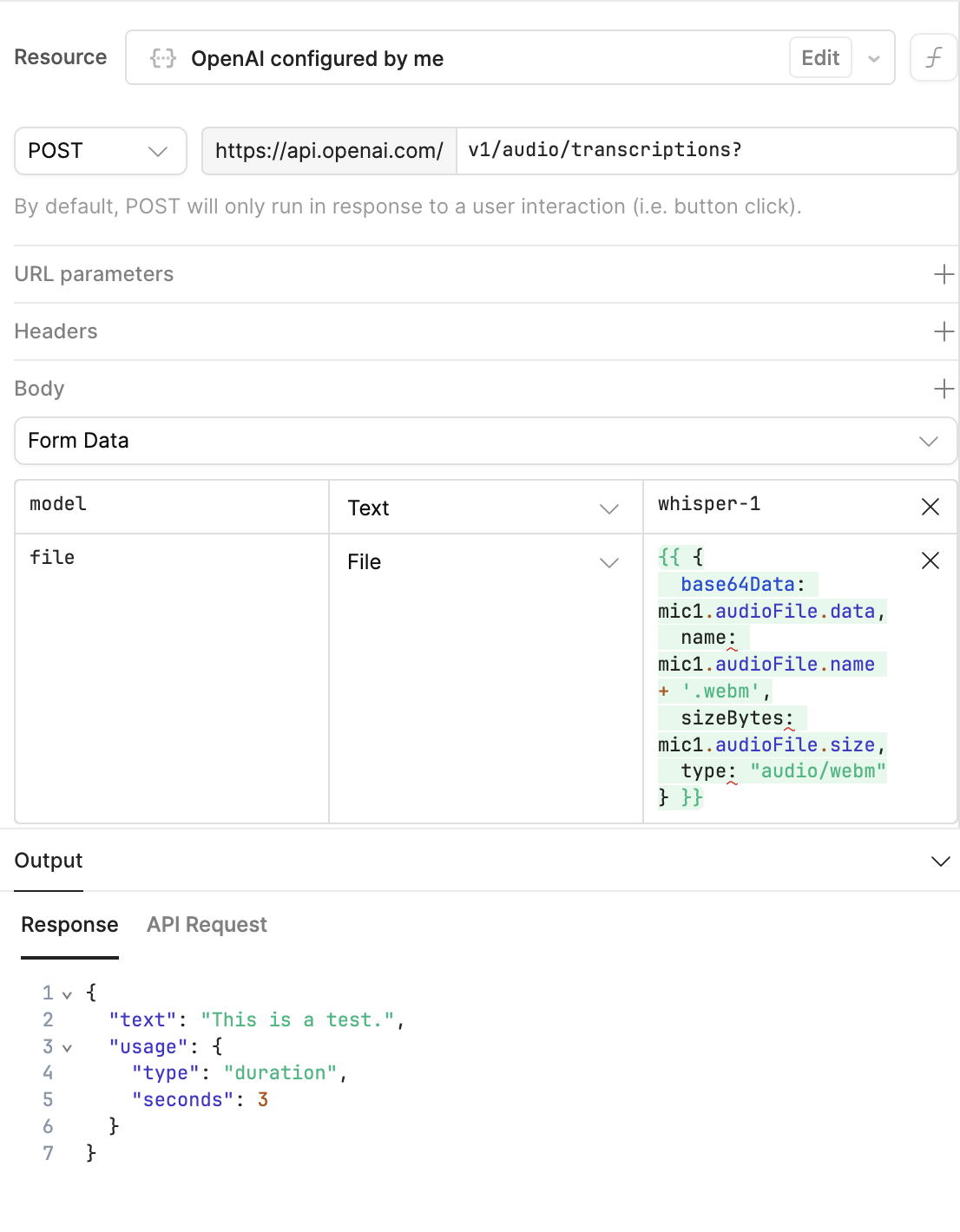
Hey all, I was just playing with this and found that it isn't necessarily the transformer that makes the difference, it's making sure the name has .webm at the end. So you can pass the file information directly into the file parameter as long as you add a '.webm' to the end of the name. Ex:
That worked dude, ty!!
@retool, it would be great if this was possible nicely from your @OpenAI integration directly, without having to re-do everything from scratch!