Hi Michael! That should be all you need - the ...(spread operator in Javascript) brings out the key value pairs from the files object and allows them to be joined with the data key. Is this not working for you?
Hi Victoria,
the term added to the "Attachments" property of a SMTP query is not working. When I hover over it I get several error messages:
"Expected an identifier and instead saw '...'"
"Missing semicolon"
"Expected '}' to match '{' from line 1 and instead saw ':'"
I tried to use a temporary state instead:
uploadedFile.setValue({...fileButton1.files[0], "data": fileButton1.value[0] })	;
query5.trigger();
where query5 is a smtp query with {{ uploadedFile.value }} in the Attachment(s) property. But this query is not successfull:
"Use File Picker to upload a file and ensure file is uploaded before query is fired".
Inspecting the uploadedFile shows
{
   value:
      { data: "some bin64 string",
        lastModified: 163876704321,
        name: "filename.pdf",
        size: 26649,
        type: "application/pdf"
      },
    id: "uploadedFile",
    pluginType: "State"
}
Would you mind sharing a screenshot of your current query?
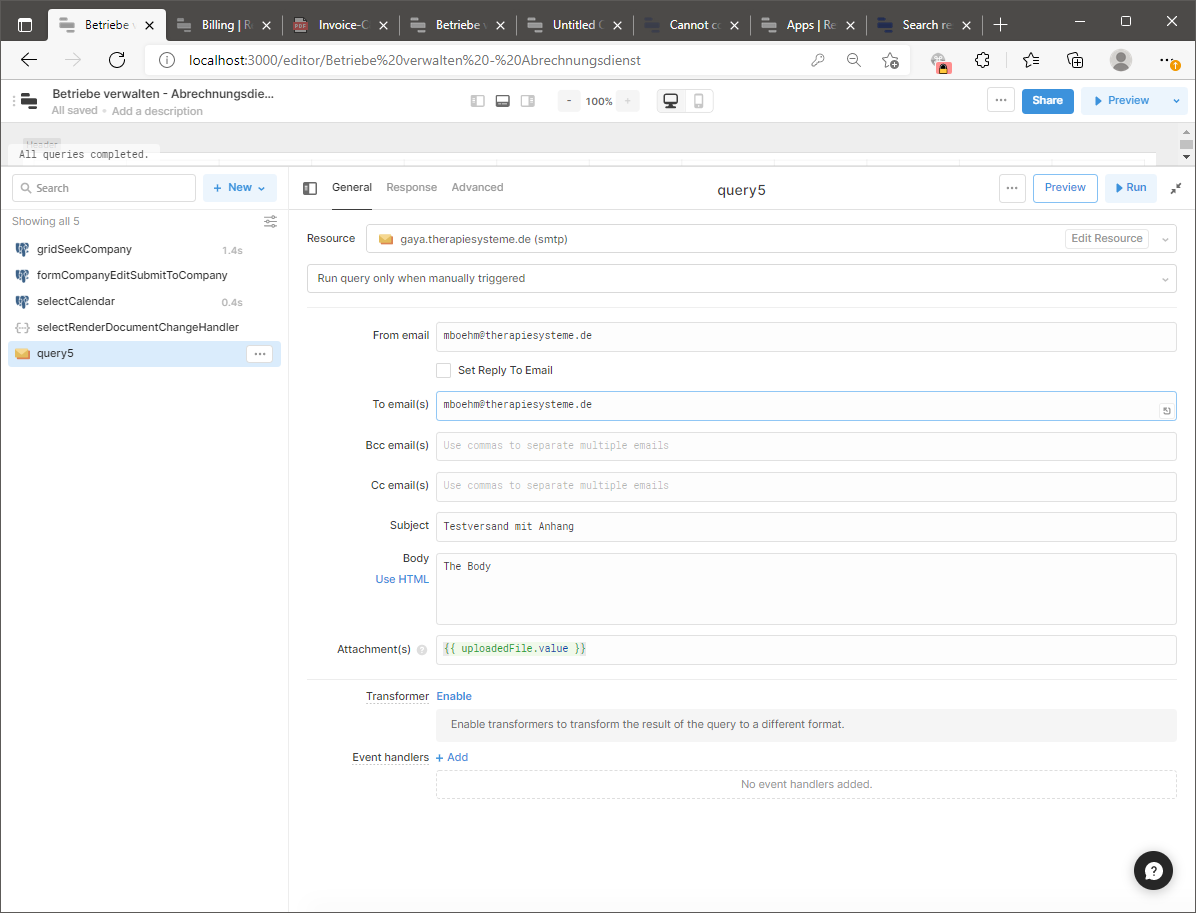
Thank you! 
And to double check, do you know if you're using the new file button or the older one? We can confirm via a screenshot of the right panel to show the file button properties (the newer button has a different set of customizable properties), or even better, your left panel, expanded out to show the data structure of your file button.
Do you know what file structure your resource is expecting from the Attachment field? General API file types expect the below format:
{
name:
size:
lastModified:
type:
data:
}
and you can make that happen by placing {{ {...fileButton1.files[0], "data": fileButton1.value[0] } }} directly in the field!
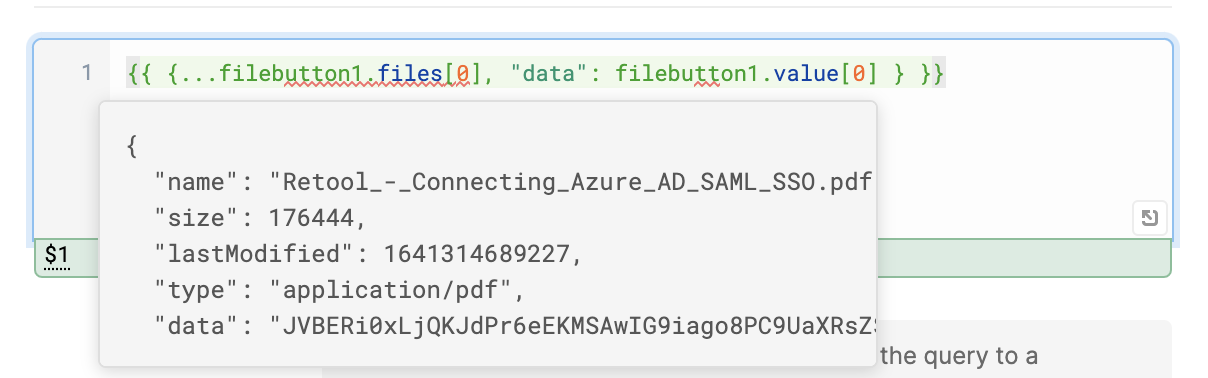
I'm using the workaround just fine {{ {...fileButton1.files[0], "data": fileButton1.value[0] } }}
can you let me know if this changes?
This should still be the proper structure to pass along a file object! How has it been working for you?
Hi @victoria - I am actually running into a similar issue with a Google Cloud Storage file upload.
I have a file button upload:
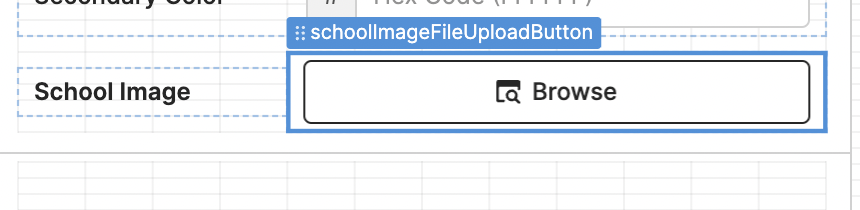
Which calls my query:
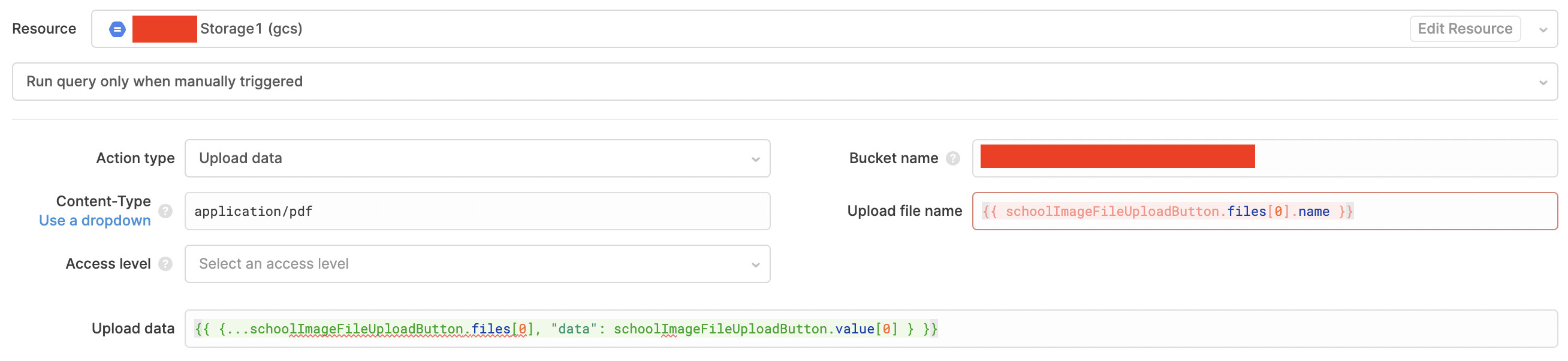
Here is the data shown in the preview (which all looks right):

However, after the upload completes, it shows in Google Cloud Storage as only 15B and is not the full size...
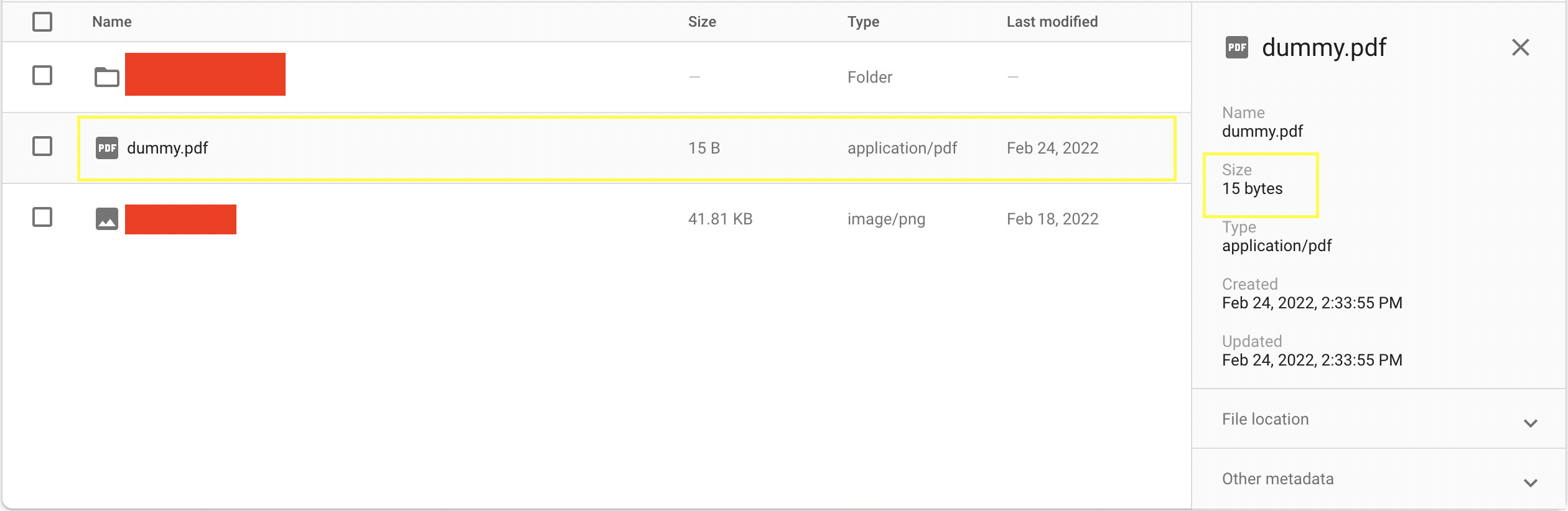
Most of the googling suggests using a javascript file input stream to stream it to the google cloud storage bucket but that doesnt seem possible from what I understand through retool.
Hi @mikalw! Interesting. So the upload connection is working, but it must not be uploading the right data. I just learned we have a bug around GCS + JSON uploads this morning, so perhaps this is related. For this bug, the workaround would be to manually define the content type as 'application/json' and stringifying the JSON data to be passed in.
Does this sound related at all? Do you know what data has been uploaded by any chance, aside from just the file size?

Hi @victoria, thanks for your reply! Looks like we are getting closer but are not quite there yet.
I changed my query to 'application/json' and stringifyed the data as you recommended:
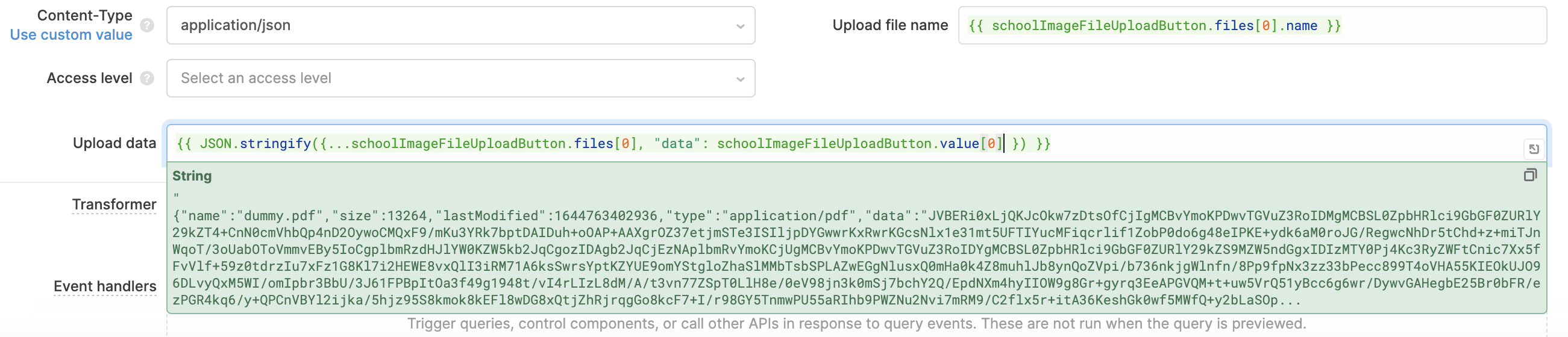
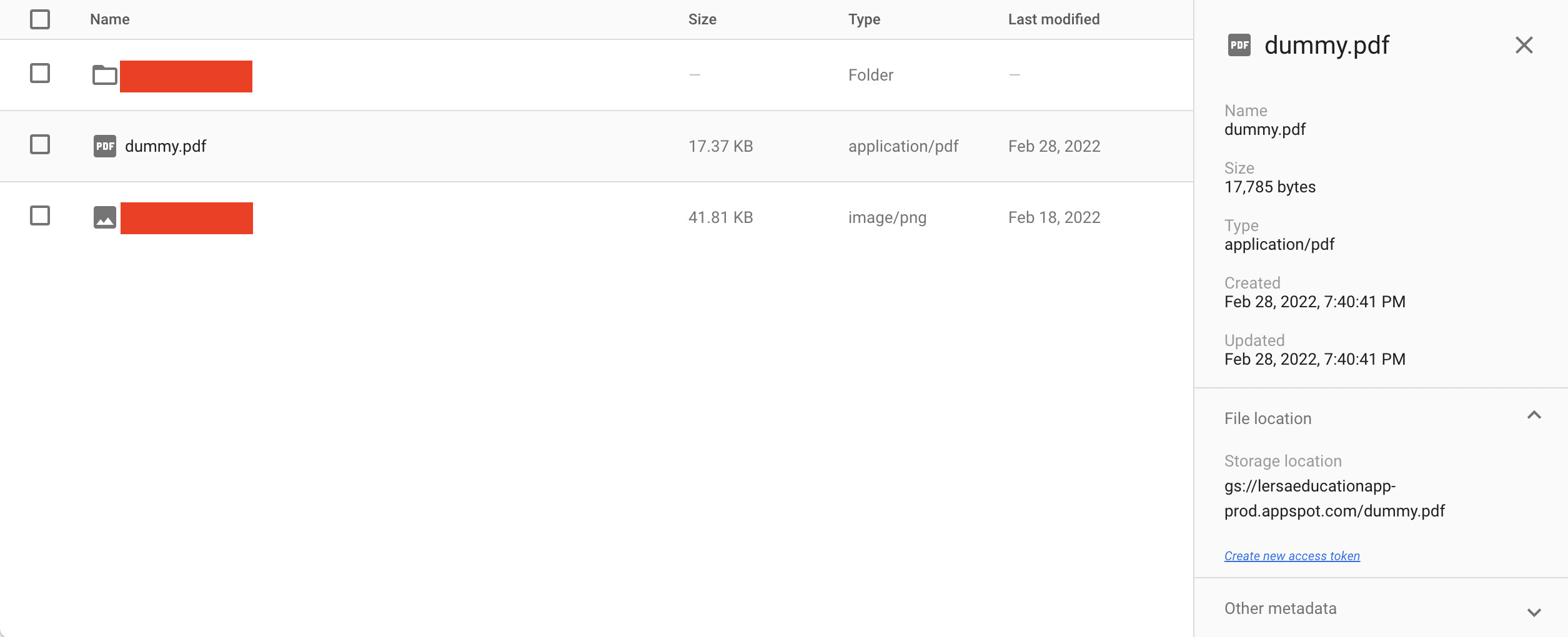
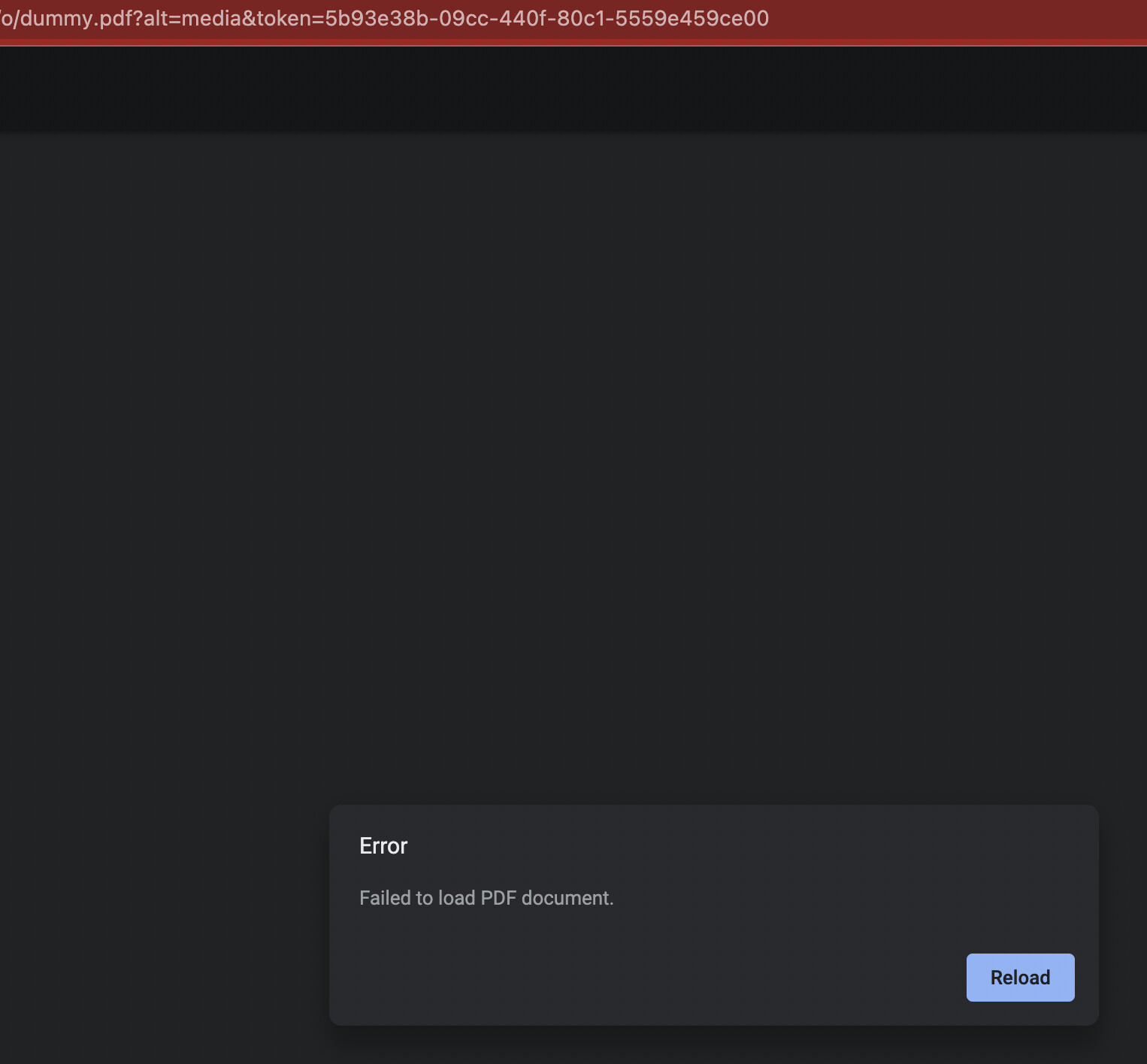
The query runs successfully and I see the file in Firebase Storage (GCS behind the scenes). But, it looks like the PDF fails to load:
@victoria here is my dummy.pdf in case you want to test it out: https://www.w3.org/WAI/ER/tests/xhtml/testfiles/resources/pdf/dummy.pdf
That's perfect, thank you for sharing! I tested uploading just the binary of the PDF file (and not a proper PDF object), which can be grabbed using
{{fileButton2.value[0]}}
and it uploaded successfully!
Here's the generated media url:
Let me know if that works for you!

That seemed to work @victoria ! Thanks for helping me work through this.
Theres one last issue, when uploading without the other metadata, it seems that the access token to the file is missing. In order to access the file I have to "Create new access token":
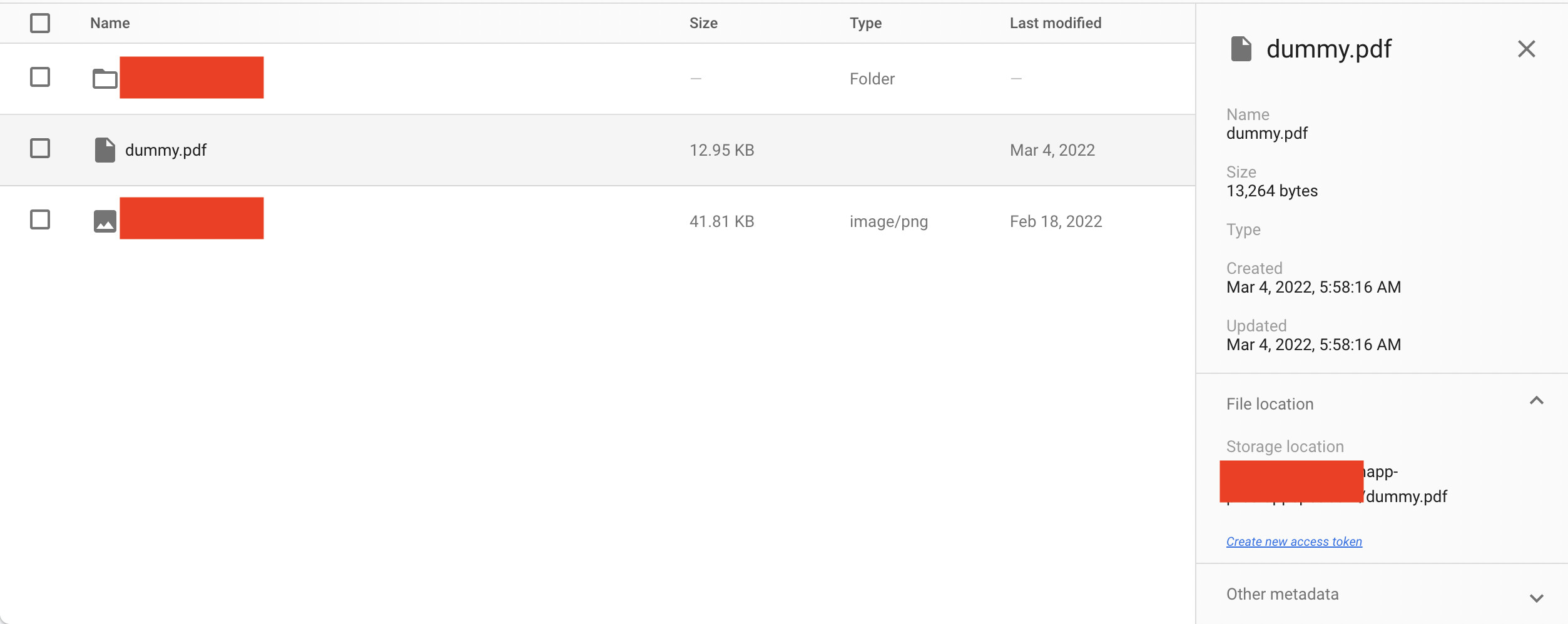
With the approach that used the ...fileUploadButton.files[0] & "data" it seemed to include the access token.
Looks like there are a few posts on stackoverflow showing how to do this in Node:
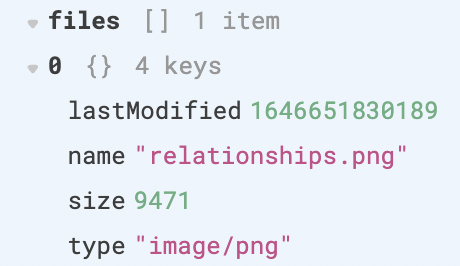
Hmm! If you open up the left panel for the file component after you’ve uploaded the pdf, could you take a look at the .files[0] value and the .data value? I don’t believe there are any access tokens included in the file component.
When you submit this upload request from another source, do you have to manually include the access token?
Thanks @victoria . I dont have a .data value but I do have a .value:
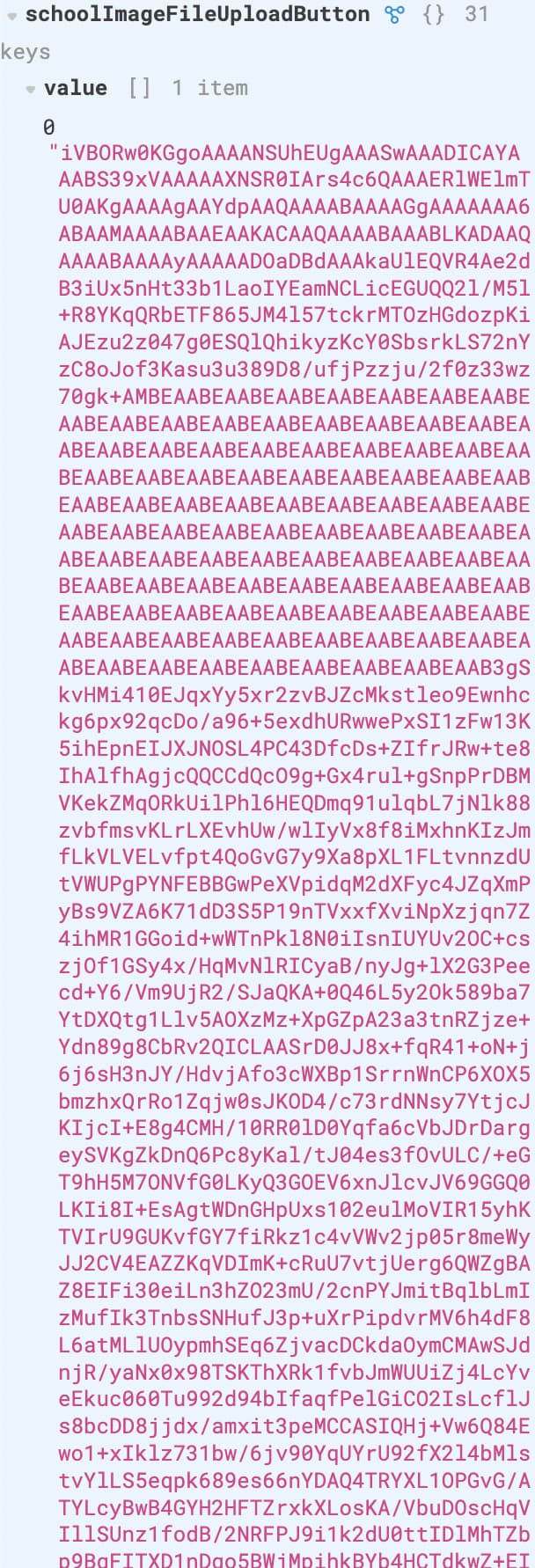
Here is the files[0] value. I changed the accepted type to png and jpg/jpeg:
Thats a good question. When using the firebase sdk directly, it handles this for you. But with a GCS upload, it appears that this token is not automatically uploaded. It looks like it's possible with a UUID generated token and including it in the upload request here:
Any thoughts on best path forward?
Interesting! 
There's no token being explicitly passed in from the files or value objects (just the lastModified, name, size, type and binary data), so I'm not sure why that aspect worked with that request and not our current request.
Uploading just the binary data is still working for me and I don't need to explicitly pass in any tokens.
Are you getting any specific error messages?
We're working through the bugs mentioned in this thread and an engineer fixed one yesterday  GCS JSON upload now works!
Let me know if y'all have any questions at all.
Hi @victoria Im late to the party here. But I just had the same issue with a file upload to our custom API. Your workaround {{ {...importFile.files[0], "data": importFile.value[0] } }} fixes this. Since this is now a standing issue for some time: it seems this is not officially documented anywhere [1][2]. This sent me on a 2 hour bug hunt. It would be nice if behaviour like this could be documented outside of support forums.
[1] Perform REST API requests | Retool Docs
[2] File Input | Retool Component Library
@perelin : This should already be much simpler now i.e. passing {{ importFile.value[0] }} should ideally work as noted here. Does that work, and if not, could you share more about your query? Note that you might want to upgrade the uploader component to the newest version where there would no files field in importFile and value has all of the files field context
We're sorry you had to spend 2 hours on this. This is something we deem as a failure mode for our design of the product, so would love to hear any feedback on this i.e. are docs hard to discover or are less detailed than we like, is this hard to intuit in the product (assuming my suggestion works) etc.
1 Like