Hey @Jonas_Dylan, it's not yet downloaded. If you want this stored in Retool storage, you can cut back a bit on the step there in the sample code as retool storage upload function only requires you to add a base64 string of the file (refer to image below):
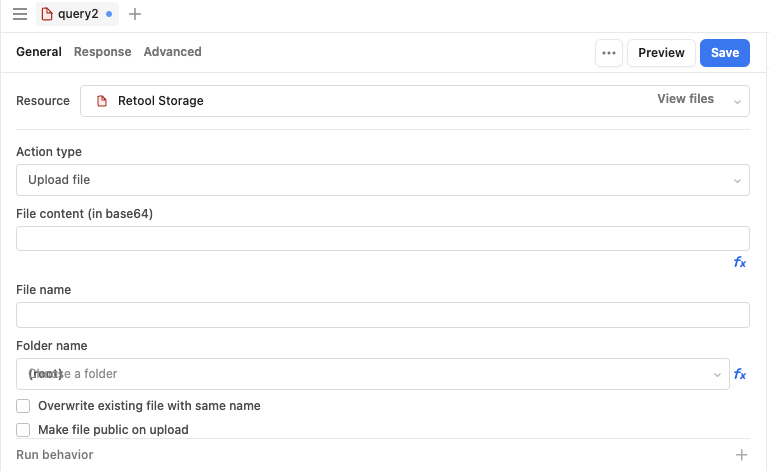
I know that view is in the apps but the input field would be similar in workflows. In the File Content area, you can use the returned data from the javascript code for it. But again, you need to adjust the code to only returning the file's base64 string, i.e. if we're referring to the createFile example above
const result = xlsx.write(workbook, {type: "base64"})

return result
adjust it as well to be an xlsx file in the File Name, i.e. daily_file_20240620.xlsx. It will appear as a File Type in Retool Storage but once you download it, it'll be an xlsx file.