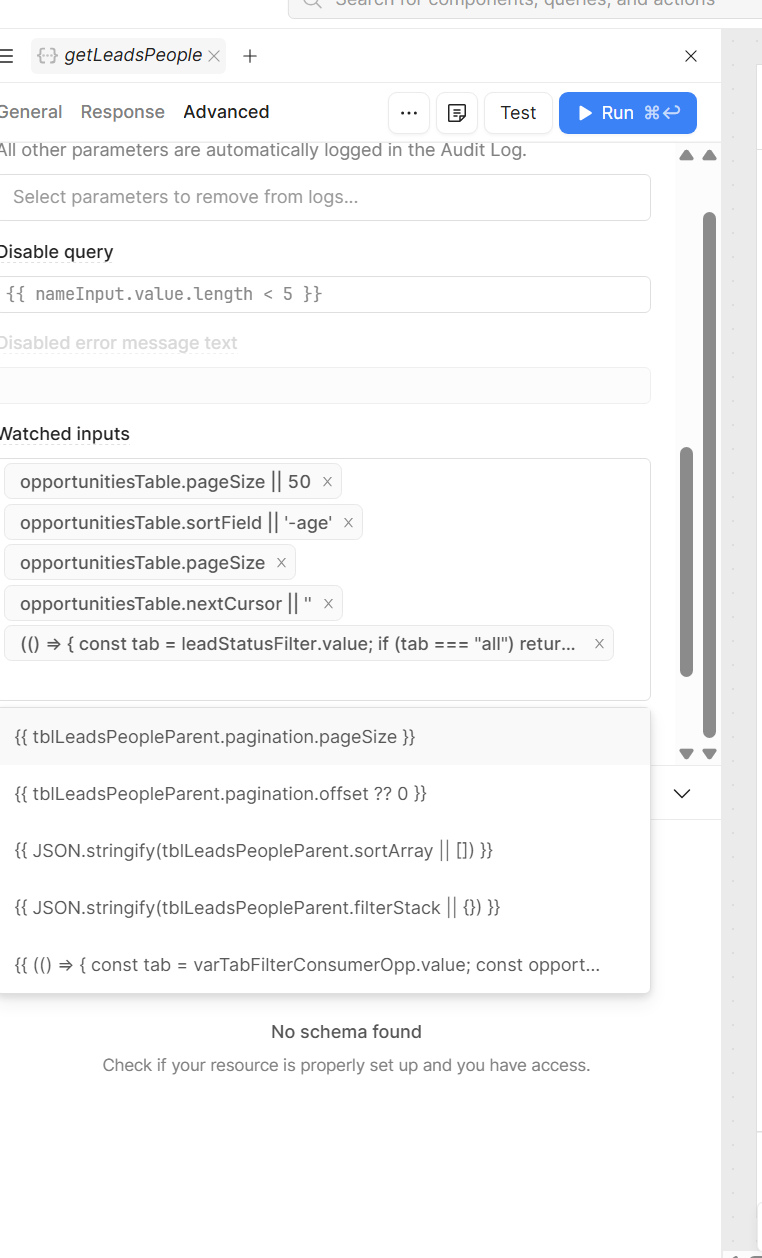
I came up with a hack using a Query JSON with SQL watcher. See below. (Its in markdown so if you copy and paste this into Coda Notion etc this should be more legible) I guess this would save me from creating those watchers on each page. I did create a general object that had a page prop and a time stamp. Can I use the pattern outlined in the video with an expression or will I have to create a new variable for every page I want to update?
16. Global-to-Local Refresh Pattern
Use this whenever a **global** modal, drawer, or query must cause a **page-scoped** list/detail query to refresh after success (e.g. shared "Create email template" modal used from multiple pages).
### The problem
1. **Scope:** Global components cannot call local queries — Retool will not resolve page-scoped query names from global `onSuccess` handlers.
2. **JS query limitation:** A local **JS** query set to watch `varRefreshTrigger` often cannot use **Automatic** / "Run when inputs change" — Retool dependency detection for JS + globals is unreliable (option stays greyed out). Do not rely on a JS-only watcher.
### The solution (canonical)
Use a global temp variable as an **intent bus**, and on each host page add a **Query JSON with SQL** dummy query that Retool *does* re-run automatically when the variable changes.
### Global setup
| Piece | Name | Default | Role |
|-------|------|---------|------|
| Caller identity | `varPageName` | `""` | Set **before** opening the global UI so saves know which logical page initiated the flow |
| Refresh signal | `varRefreshTrigger` | `null` | Global query / `jsSave` writes `{ page, timestamp }` after success |
**After any global mutation succeeds** (REST query `onSuccess`, or inside `jsSave{PageName}` after POST/PATCH):
```javascript
await varRefreshTrigger.setValue({
page: varPageName.value,
timestamp: Date.now(), // required — same page twice in a row must still fire change detection
});
```
**Before opening the global modal** (each page — button / row action that opens it):
```javascript
await varPageName.setValue('emailTemplates'); // camelCase string; must match dummy query checks
// ... then open modal / run global query
```
### Local page setup (per page that hosts the list)
1. **Create** a new query named `{pageName}WatcherDummy` (examples: `emailTemplatesWatcherDummy`, `sequencesWatcherDummy`). Naming: **camelCase page token** + literal `WatcherDummy`.
2. **Resource:** **Query JSON with SQL** (built-in Retool resource — runs **client-side**, no database round-trip). Do **not** use Supabase or any real DB connection for this signal-only query.
3. **SQL** (mustache forces dependency on the global variable):
```sql
SELECT '{{ varRefreshTrigger.value }}' AS refresh_signal
```
> **Do not** alias the column `trigger` — it is a reserved word in Retool's SQL parser and will throw a parse error. Use e.g. `refresh_signal`.
4. **Run behavior:** **Automatic** — unlike JS queries, this resource type reliably re-runs when `varRefreshTrigger` changes.
5. **Success handler** on that query (Response tab → Event handlers → **Success** → **Run script**):
```javascript
if (varRefreshTrigger.value?.page === 'emailTemplates') {
await varRefreshTrigger.setValue(null); // reset so the same payload does not loop
await getEmailTemplates.trigger(); // your local list/detail query — replace name + page string
}
```
Match the string `'emailTemplates'` to the value you set on `varPageName` for that page, and replace `getEmailTemplates` with the actual local query.
### Why this works
Global code **writes intent** (`varRefreshTrigger`); local code **reads** globals and **owns** triggering page queries. The dummy SQL query exists only so Retool's reactive engine notices `varRefreshTrigger` — no network I/O, identical in dev and production.
### Naming convention
| Piece | Pattern | Example |
|-------|---------|---------|
| Dummy watcher query | `{pageName}WatcherDummy` | `emailTemplatesWatcherDummy` |
| `varPageName` / `page` on trigger object | Same camelCase token | `'emailTemplates'` |
| Local refresh query | Your existing GET / list query | `getEmailTemplates`, `getTableSequences` |
### Relationship to §15
The multi-array drawer uses the same `varRefreshTrigger` + `varPageName` contract. Each host page still needs its own `{pageName}WatcherDummy` (or equivalent) wired as above — not `jsWatch{PageName}Refresh`.
### Common pitfalls
| Pitfall | Symptom | Fix |
|---------|---------|-----|
| JS query as watcher with Automatic greyed out | Local table never refreshes | Use **Query JSON with SQL** dummy per §16 |
| `AS trigger` in dummy SQL | Parse error | Rename alias to `refresh_signal` (or any non-reserved name) |
| Real DB resource for dummy query | Wasted network calls; env drift | Use **Query JSON with SQL** only |
| Missing `timestamp` in trigger object | Second save on same page does not refresh | Always `timestamp: Date.now()` |
| `varPageName` not set before open | Wrong page refreshes or none | Set `varPageName` in the same handler chain before opening the global UI |
| Page string mismatch | Dummy runs but skips refresh | Use identical string in `varPageName.setValue(...)` and `if (varRefreshTrigger.value?.page === '...')` |