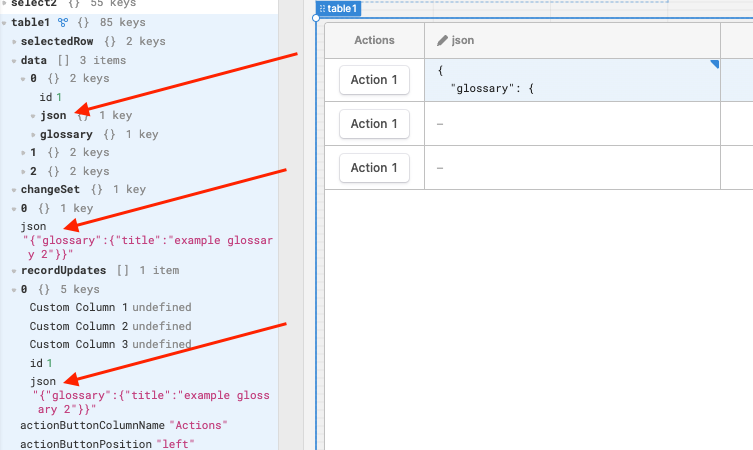
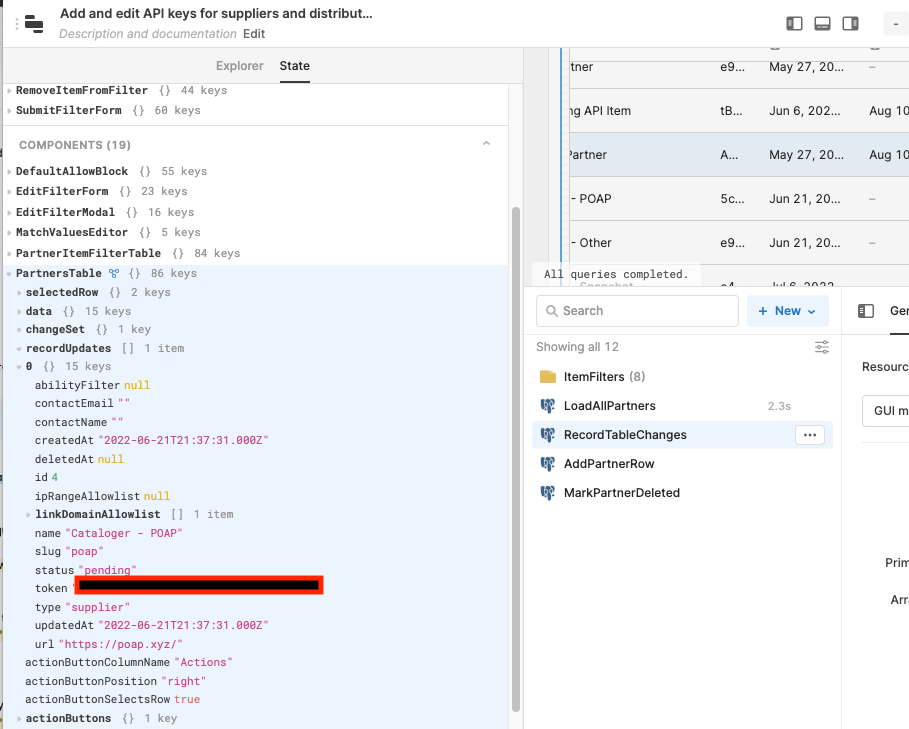
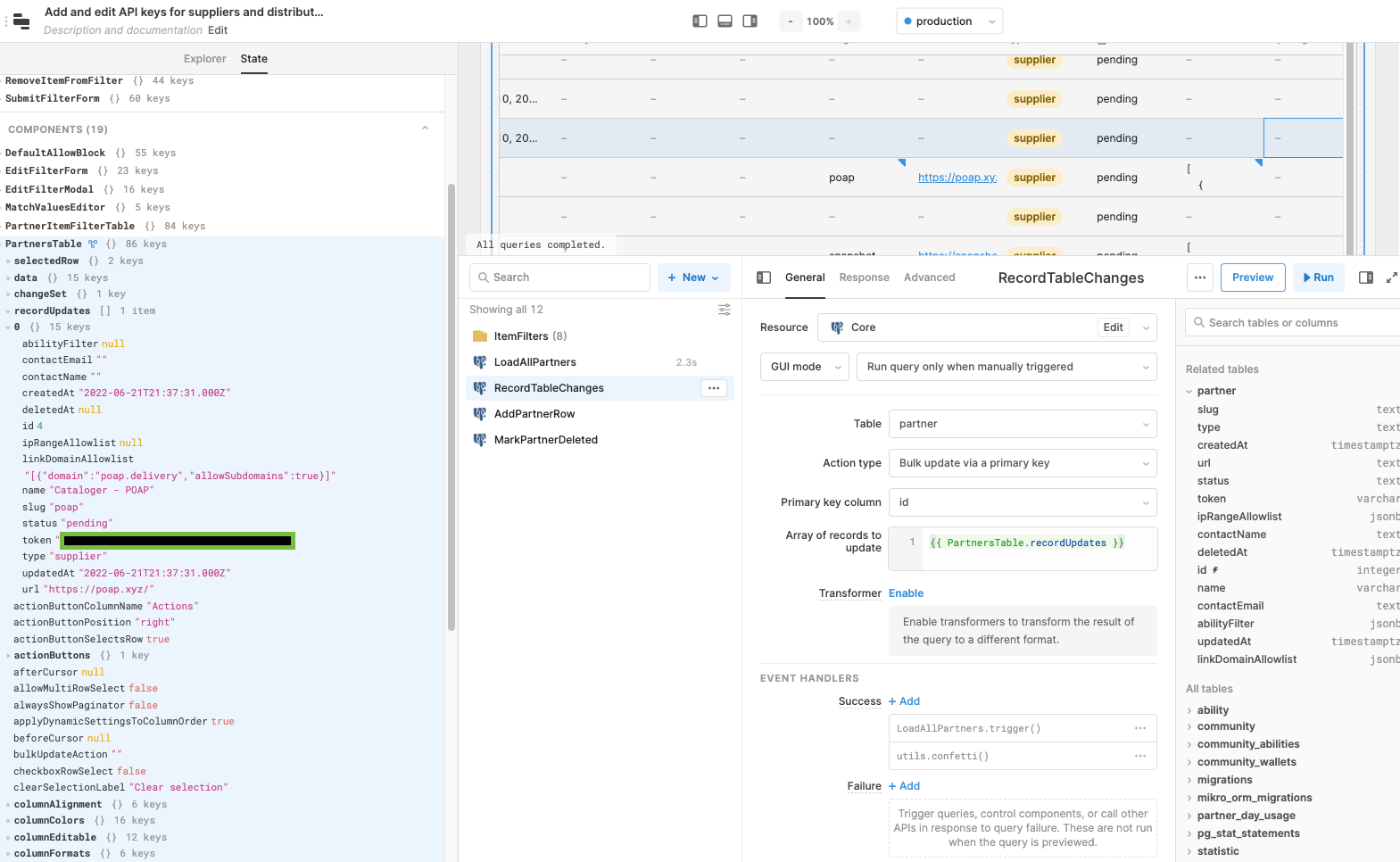
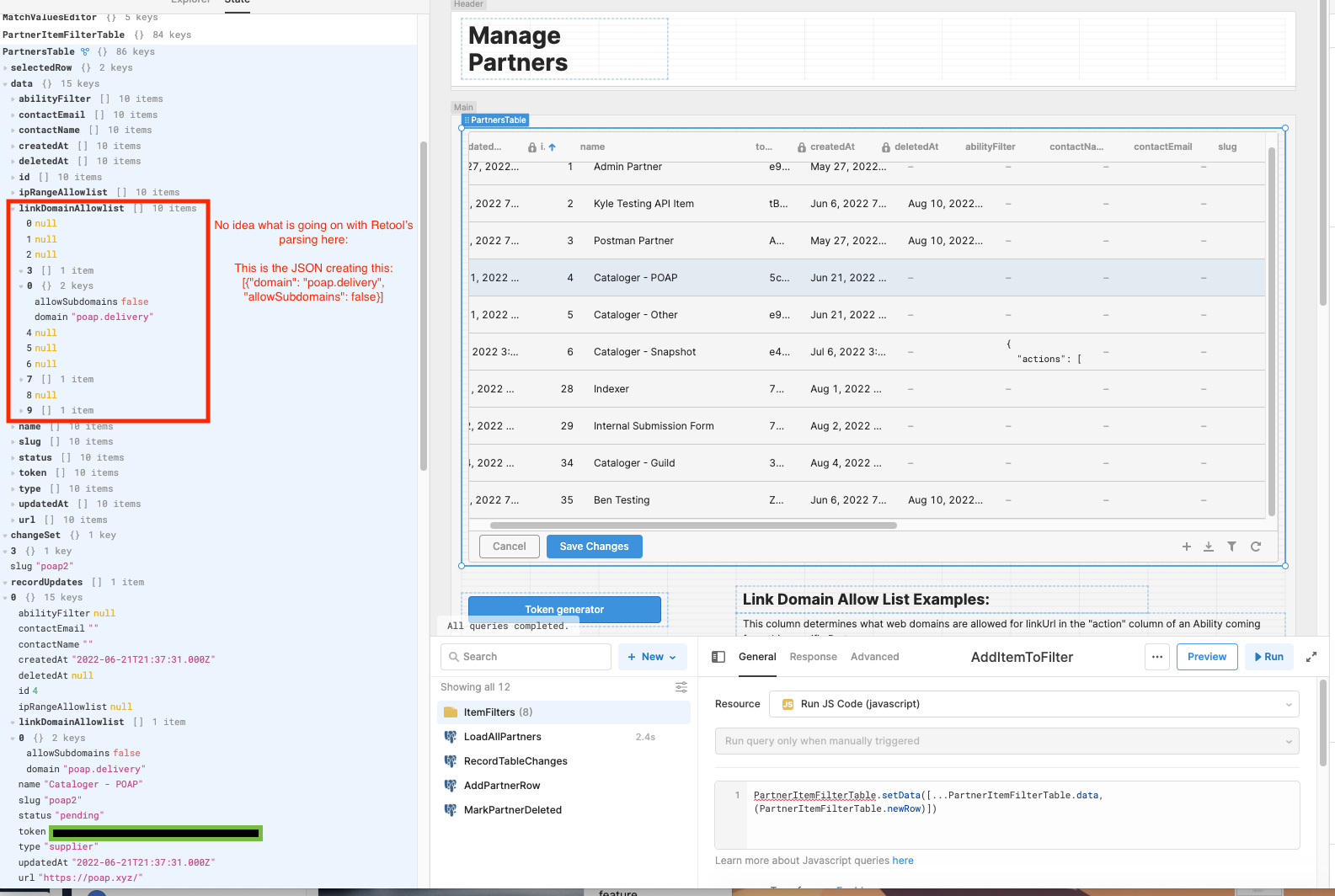
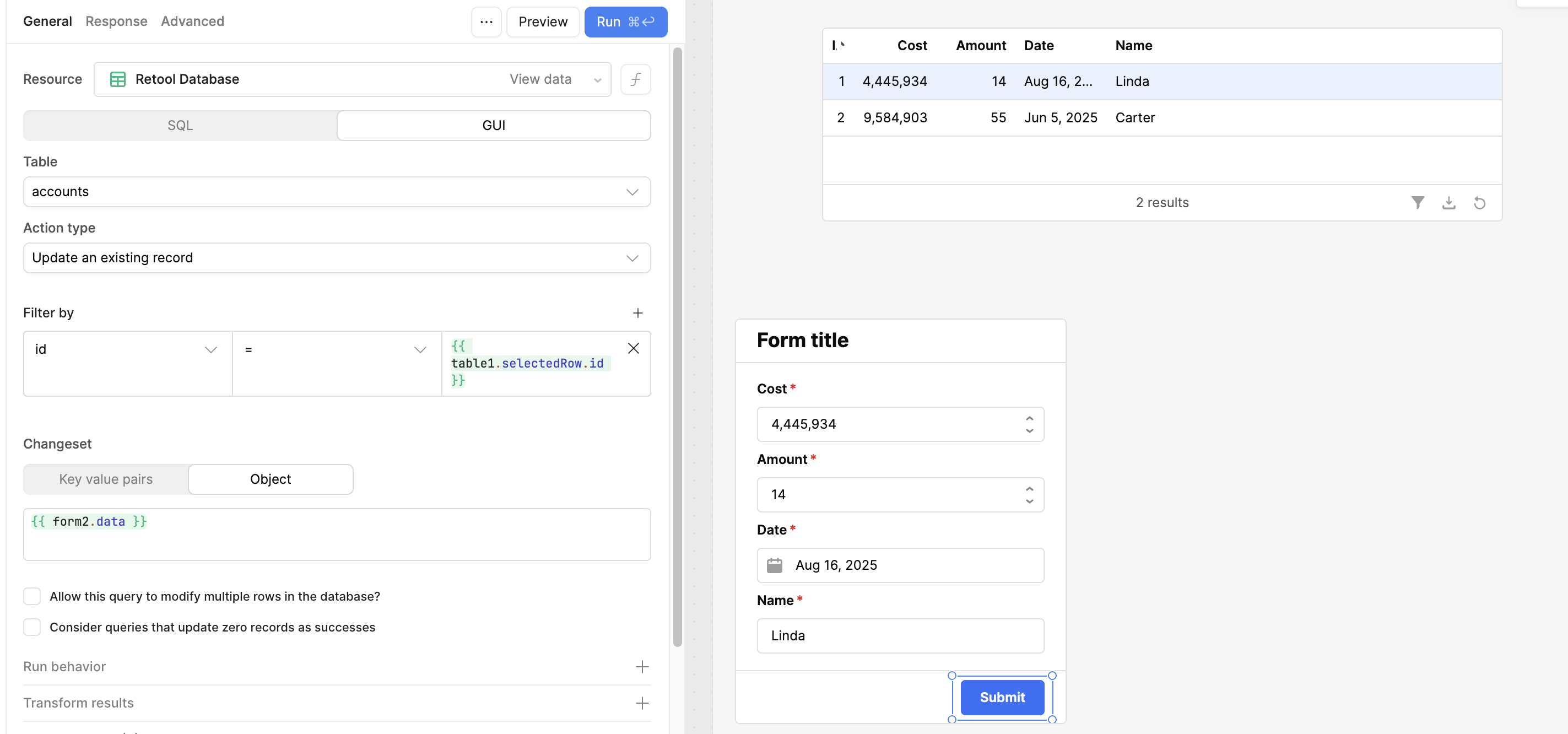
We've built a pretty standard table in retool to represent data in a table. However, there is something wrong in the way that Retool is sending JSON column data back to the database when we modify a row. I've created a Loom below showing the exact problem, but we basically cannot save a row right now with JSON in it unless we also modify all of the JSON columns before the save. Even if the JSON in the columns is completely valid now, the save/update function is telling us its invalid when we modify a separate text column.
Looking at the value of record updates before and after a change, there is a clear shift in the type that it's sending back to the database. It looks like before a change, the data is being kept as a JSON object (which should be fine) and after a change to that column its being set as a string (which is also fine).
Hey there @souterjk! I have reached out to our engineering team and they mentioned that you should be able to update the value to whatever format you need in a Temporary State or Transformer that pulls from recordUpdates or changeset on the table.
I'm just starting to dig into the versatility of using PostgreSQL JSON columns with Retool and came across this as one of the first Google search results. Ouch. From the outside, this seems like a bug. It's been a while, so has it been addressed?
The replies are handy but they feel like workarounds to me.
@Jay, what is a Temporary State? Is that a construct you can create like a Transformer?
You can create a temporary state variable in your app and use it to store values, reference the values from it and change the values using a JS query or event handlers!
Thanks Victoria! I'm jumping back in here. The link above doesn't work anymore. Thing's have changed quite a lot. I'm wondering what the answer looks like now.
Also I'm wondering about interacting with a variable directly from a form or container by specifying the variable as the data source?
I know that for a table the source gets teased apart from data. But will that work with a variable.value?
In particular, when it comes to submitting the form for changes, is there an easy way take that changed variable and update a record or insert it without needing to write it out thoroughly?
Hi @ijames,
Yes, you can use variable.value as the data source for a component.
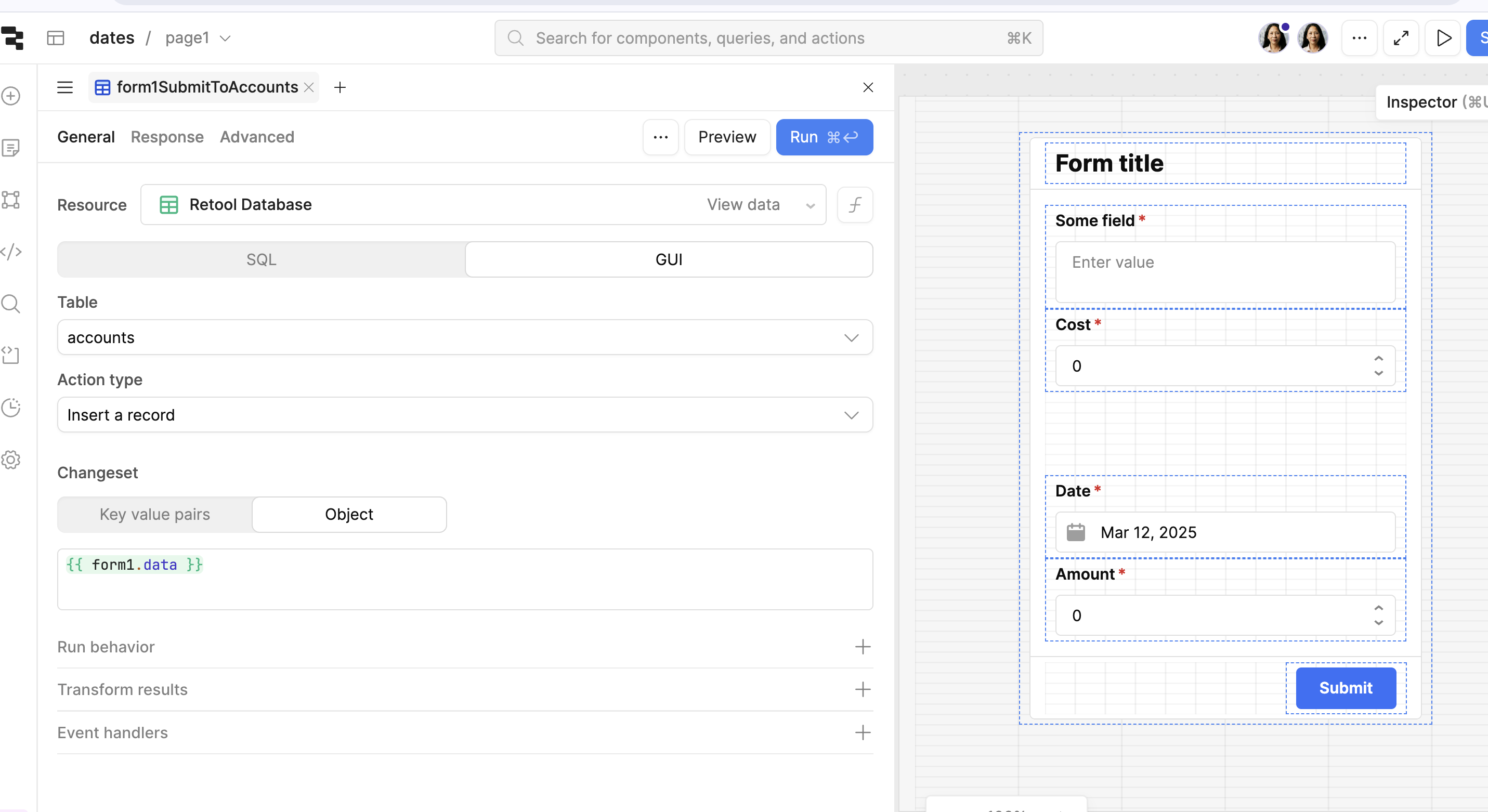
With regard to updating a database with changes from a form or table, it can be automatically done without using a separate variable. You can simply insert a new record in a table from a form like this: