I'm using a basic text component that displays markdown, and cannot find a way to increase the font size. The default font size is quite small.
Hi Pencilflip, welcome to Retool!
There are five text input components and one text display component in Retool.
It sounds like you are using the text display component which has the Markdown facility?
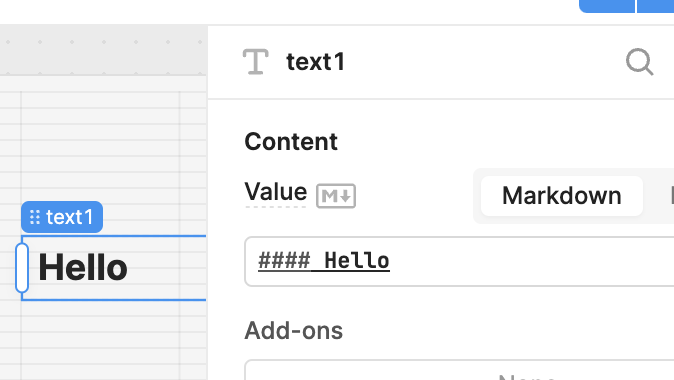
In which case you can use #, ##, ###, ####, ##### to change the fontsize. Have a look at this cheatsheet for the possibilities.
1 Like
Great news everyone!  We rolled out an update for Text component font size control awhile ago, and I’m sure some of you have already spotted it in action. You can now choose Styles directly in the inspector of your Text component, instead of using markdown. Just open the inspector, go to Appearance > Styles > Font.

And you’ll see a list of font sizes to pick from!
