Bug Report: AZ.isFetching Works in Hidden Field but Fails in File ID Field
My goal:
Dynamically control an image component (searchGif) so it shows a loading GIF whenever my query AZ (or any of the other *.isFetching flags) is running.
Issue:
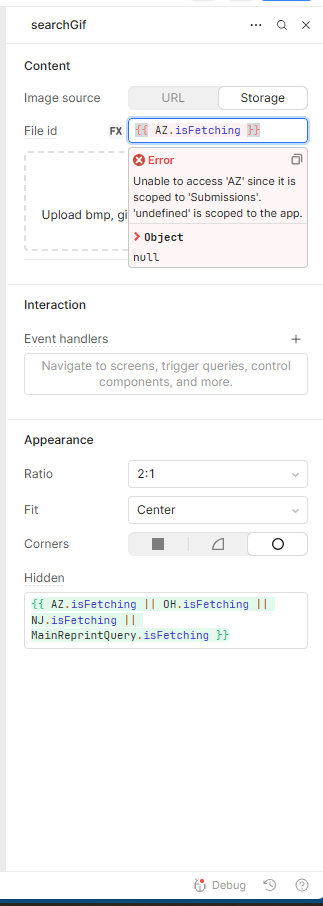
{{ AZ.isFetching }} evaluates correctly in the Hidden property — the component hides and shows as expected.
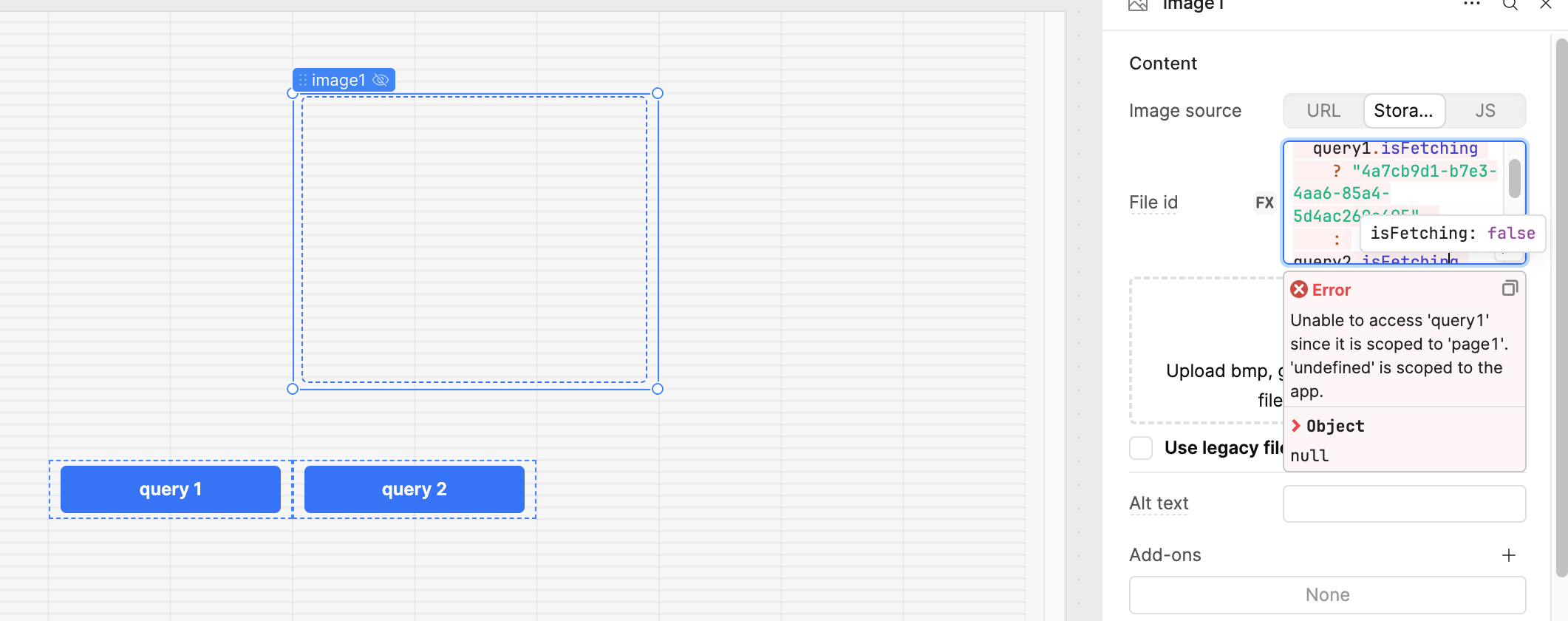
The exact same expression placed in the File ID input (Storage → File ID) throws this error:
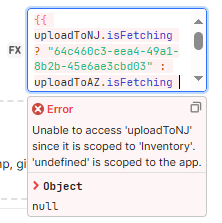
Unable to access 'AZ' since it is scoped to 'Submissions'. 'undefined' is scoped to the app.
In other words, the expression is recognised in one field but not the other, even though both belong to the same component. That feels like inconsistent scoping.
Steps I've taken to troubleshoot:
Confirmed the AZ query exists and runs properly.
Verified that other queries (OH, NJ, etc.) behave the same way.
Switched the image source between URL and Storage; issue persists.
Cleared cache / re-opened editor; no change.
Additional info:
Cloud Retool
Screenshot attached (see image showing AZ.isFetching accepted in Hidden but rejected in File ID)
This looks like a scoping bug: one field respects the query context, the other doesn’t. Would love for the Retool team to confirm whether this is unintended or if there’s a recommended workaround.
Just a heads-up — you can't use {{ query.isFetching }} inside the File ID or Data Source fields. This property is meant to indicate whether a query is currently loading, and it's best used in Loading or Hidden conditions to control component visibility or behavior during execution.
If you're trying to reference the result of a query like AZ, you should use {{ AZ.data }} to access the data returned by the query. Alternatively, if you're using a dropdown, you can select the value directly from the dropdown options connected to your query.
Let me know if you need help structuring the query logic or mapping the data correctly!
Just a heads-up—when you're working with file inputs, you can use the GIF file ID directly in the File ID field, but {{query.isFetching}} isn't supported there.
Instead, to control the visibility of a loading GIF, you should use {{!query.isFetching}} in the Hidden property of the image component.
This works like a toggle:
When the query is loading (isFetching === true), the GIF will be visible.
Once the query completes (isFetching === false), !isFetching becomes true, so the GIF will be hidden.
This is a simple and effective way to indicate to users that a process is running in the background.
Let me know if you want a full example or further tweaks!
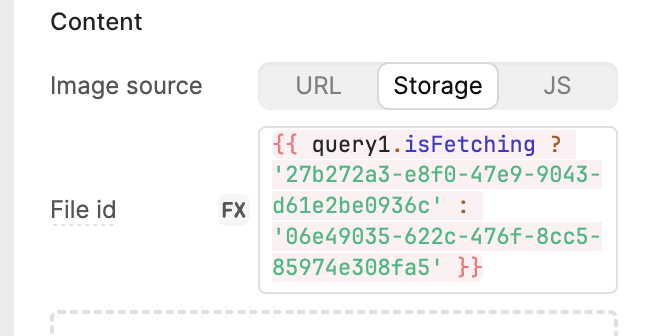
My apologies, i didnt explain it correctly. I was doing the following format to get dynamic gif using a single image component: {{ query1.isFetching ? [ID for gif #1] : query2.isFetching ? [ID for gif #2] : [default gif id] }}
I already have an alternative for this using a global variable although i just thought it was odd how i can use the same exact query1.isFetching or query2.isFetching in the hidden field but not in file ID like in the example above considering both options are for the same component.
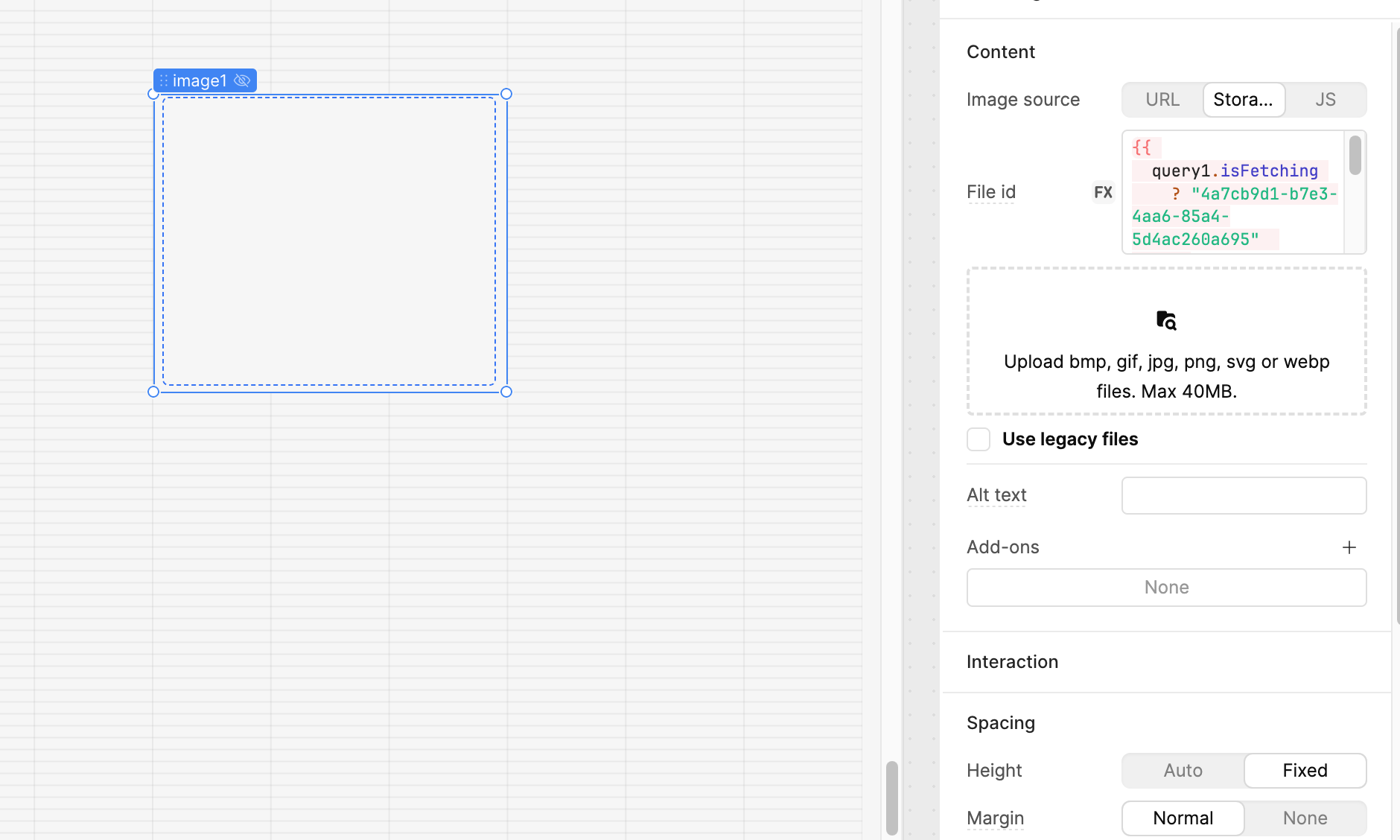
Yes, you can definitely use conditional logic directly in the File ID field of the Image component in Retool.
Here’s how you can do it:
{{
  query1.isFetching
    ? "4a7cb9d1-b7e3-4aa6-85a4-5d4ac260a695"  // GIF 1 for query1 loading
    : query2.isFetching
      ? "09ec80e1-08fe-495a-882c-1ce1813289d4"  // GIF 2 for query2 loading
      : ""  // No image if none of the queries are loading
}}
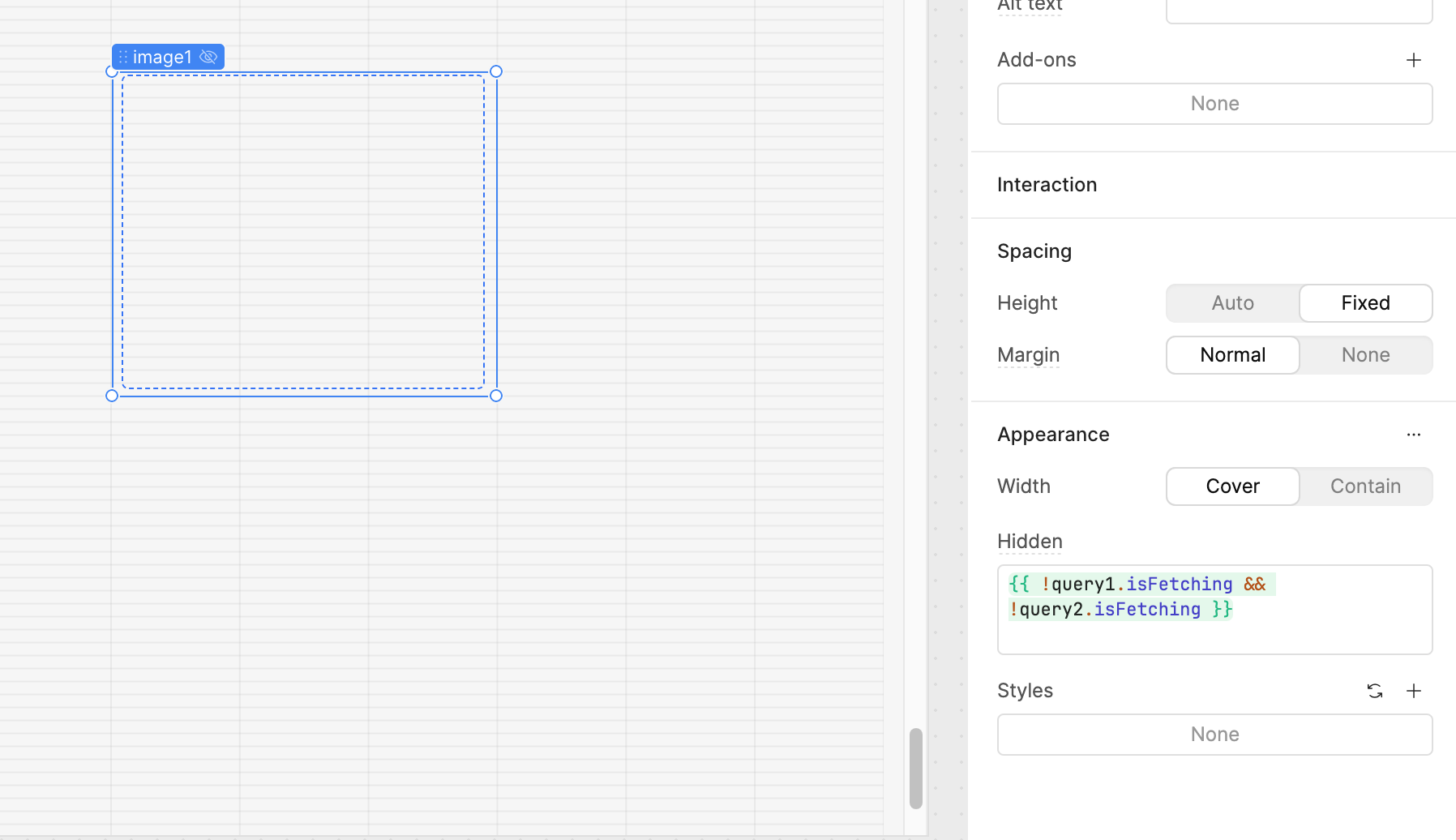
And for the Hidden property of the image component, you can use:
I totally understand your issue. If you're working with a multi-page setup and your query is defined in a different page, then referencing it directly may throw an error — in that case, you should consider using a global variable, a temporary state, or a transformer to pass the data across pages.
However, if your query is present within the same page, the error message you're seeing (like the one I had) might be misleading — but in my case, it still works perfectly despite the warning.
Here’s a quick screenshot and screen recording for reference:
Thank you for that testing and investigating @WidleStudioLLP!
Apologies for the confusion, from your last post it looks like the Field ID input is giving an incorrect scoping error message even though the query is scoped correctly and the component is behaving as intended in your recording.
I can make a bug report for this to better clear up confusion.
@JasperCreationss I am happy to hear you found a workaround! I would be curious to know if you are also having the ternary logic work as intended even with the linting error related to the component thinking the query isn't scoped to the page.
What I ended up doing was defining a variable in the global scope and using that to dynamically pass the file ID to the image component. This completely avoids the scoping issue and doesn’t trigger any linting errors.
It’s working smoothly now with that approach, but I agree the original behavior is confusing and could definitely trip others up.
Thank you for offering to file a bug report — much appreciated.
There's been a lot of back and forth here, but I just want to jump in and clarify that this is solely an issue with the linter and does not affect the underlying functionality at all - query1.isFetchingis in scope despite the error saying otherwise.