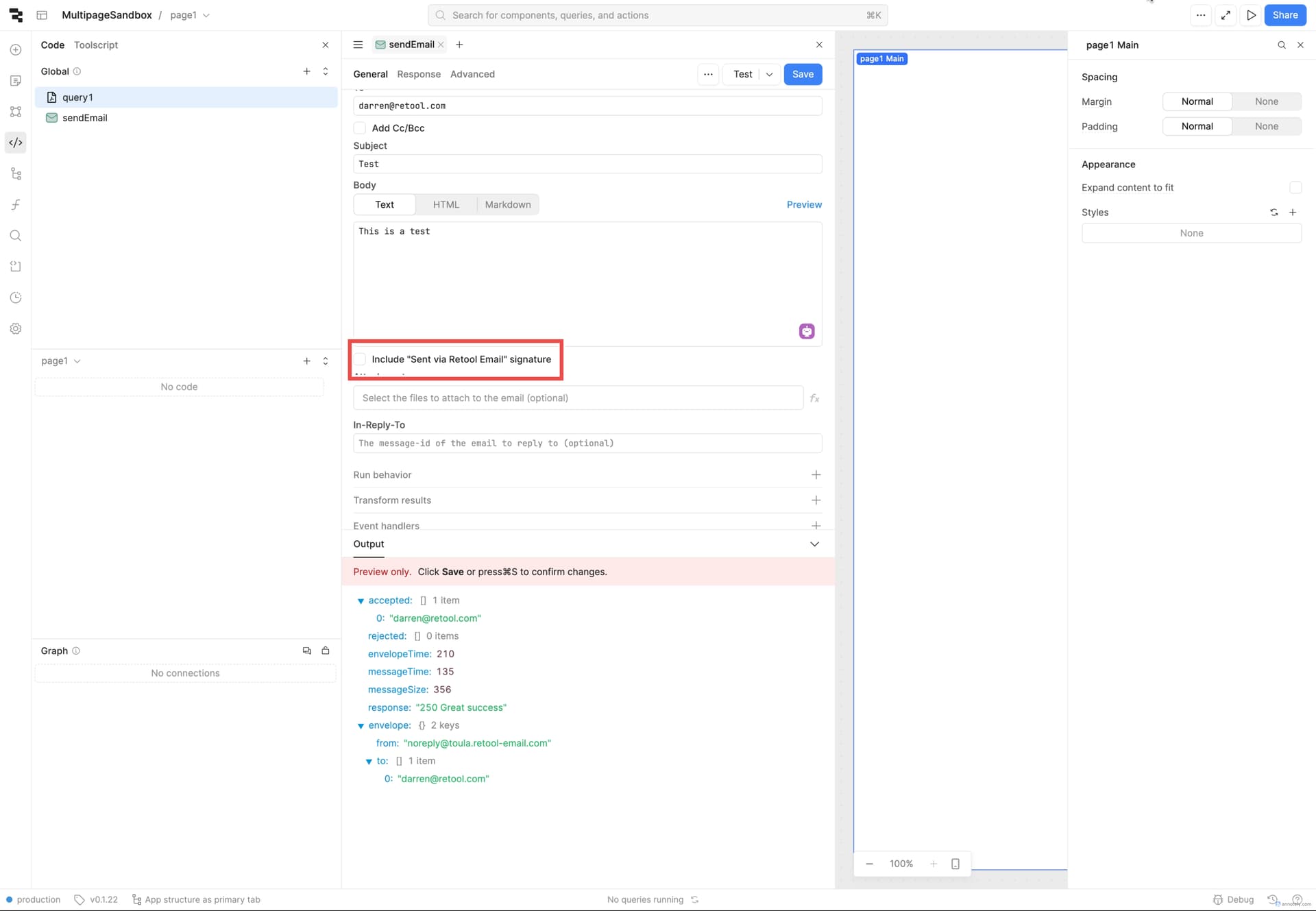
Is there a way to remove this footer from the emails?
I understand having this signature for free tier users, but for business tier users, I believe there should be a way to remove it.
Remove Retool badge starts being available for Enterprise users only, and for Business tier Custom logos is enabled. It is possible that what you are looking for is in Enterprise tier, but someone should confirm this.
This is a feature request at this time. I'll update this post as soon as there is any new information to share. If you need something quicker, I recommend setting up an SMTP service and using that instead of Retool Email.
The "Sent via Retool Email" signature is likely enforced on certain plans, especially the free tier. For business-tier users, you may want to check Retool’s settings or contact their support to see if there's an option to remove it. If no built-in setting exists, using a custom SMTP provider instead of Retool's built-in email feature might be a workaround.
Retool typically includes the Sent via Retool Email signature by default, especially for free-tier users. For business-tier users, you might want to check the email settings or contact Retool support to see if removal is possible. If Retool doesn't offer an option, exploring email signature integrations could be a workaround.