Hi I have been trying to open a popup form once i click on modal. Now, i have added some input/select components into the form. What i expect is that once i click on modal button my whole popup form must open along with all the sub components added on it. However, I see just a blank form on render. Do i need to do some parent-child component link etc.?
@Aakashciel Welcome to the forum!
Can you post a screenshot of what you are seeing?
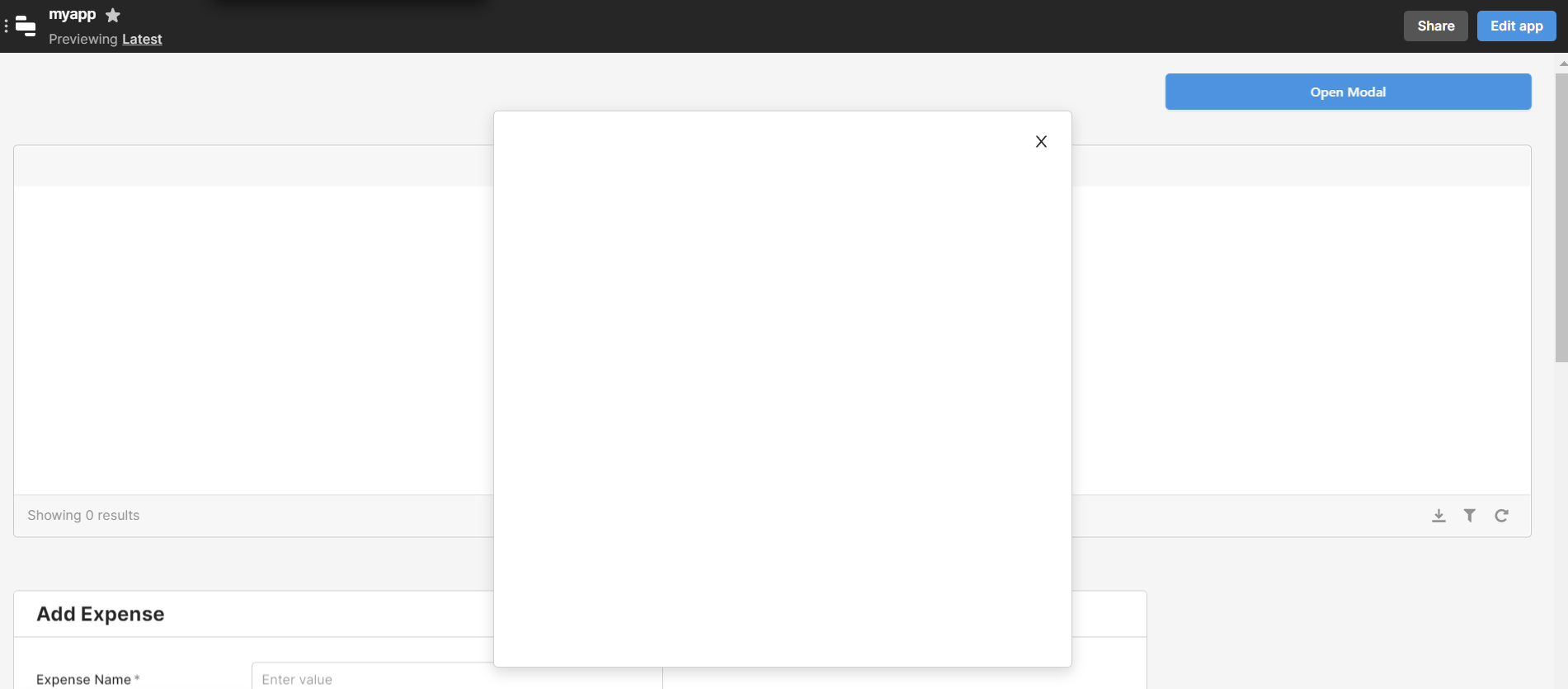
Difficult to say what is happening here - when in edit mode, what do you see? And also, take a screen shot of the inspect panel.... if you still don't see anything in edit mode, maybe you didn't save it? Are you on a free plan?
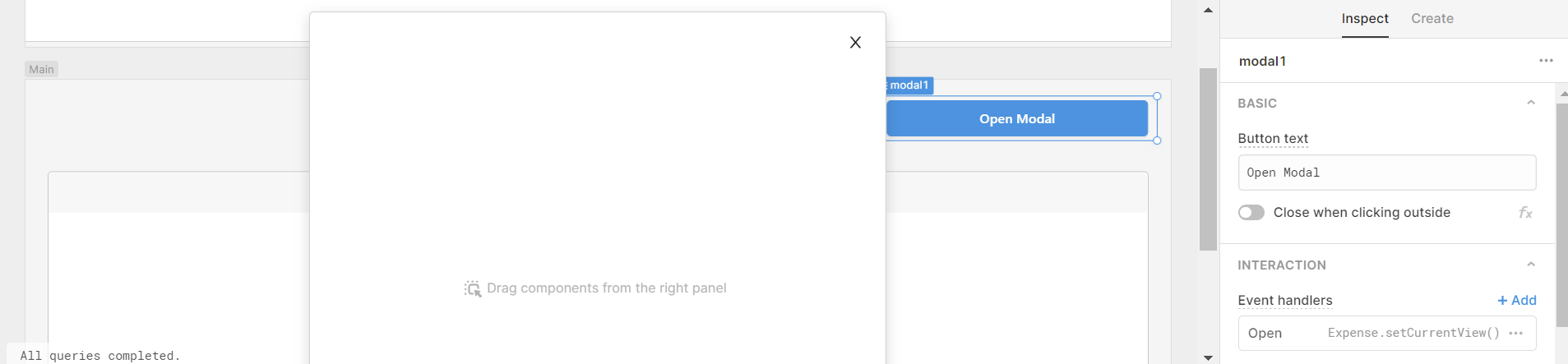
I see this pop-up in edit mode.
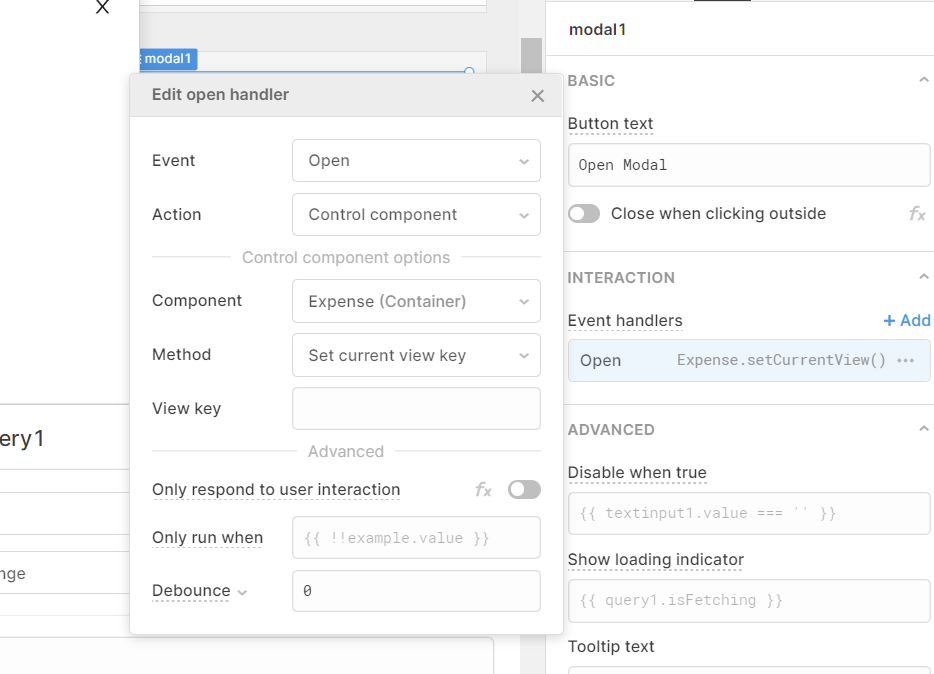
the event trigger i have used
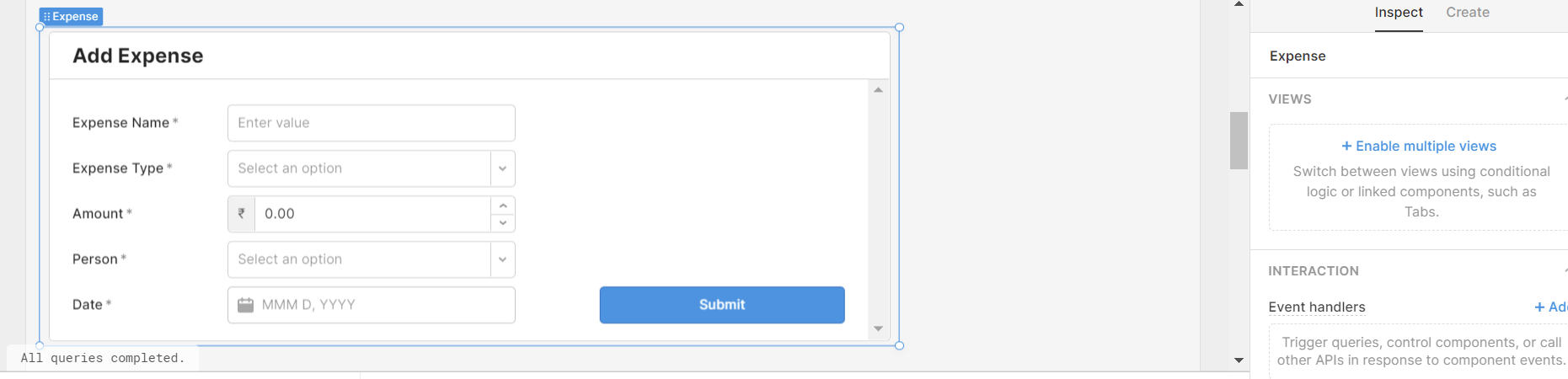
this is the component i wish to open on clicking on button
Yes i am in free plan
OK you don't need an event handler because the modal will open when you click the Open Modal button.
- Click Open Modal
- Drag the Expense container into the modal.
Or
2b. Drag a new container into the open modal and rebuild the form in that new container - or you can drag a Form component into the modal and then add fields in the form.
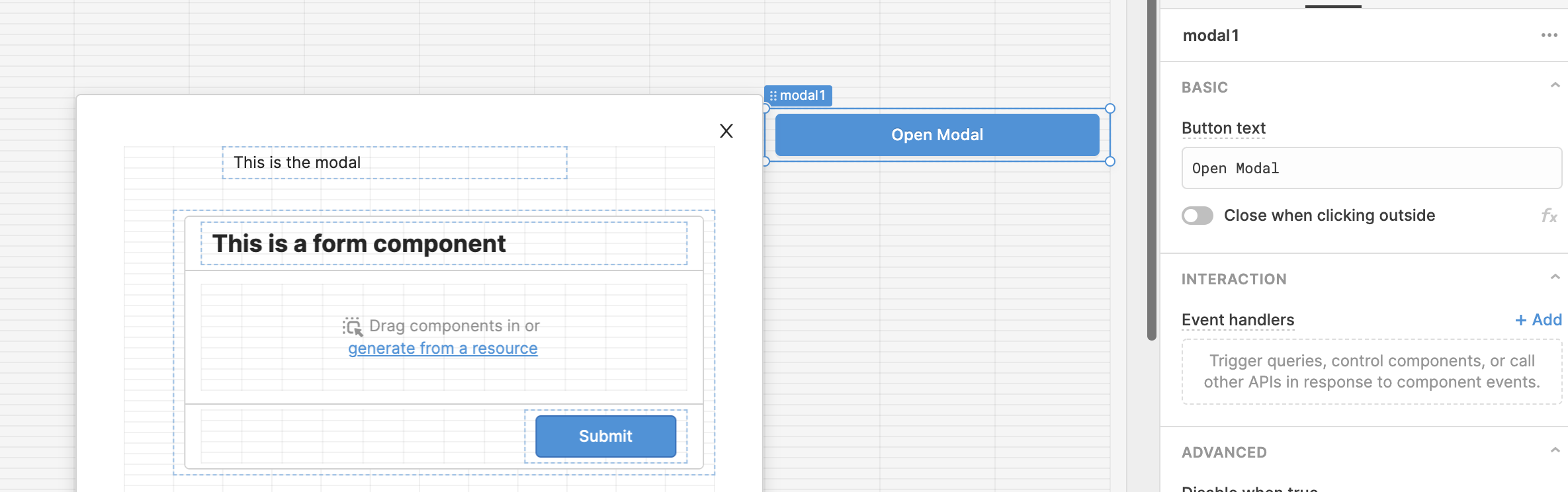
Cool that works!! Thanks for your quick help. Highly appreciate it
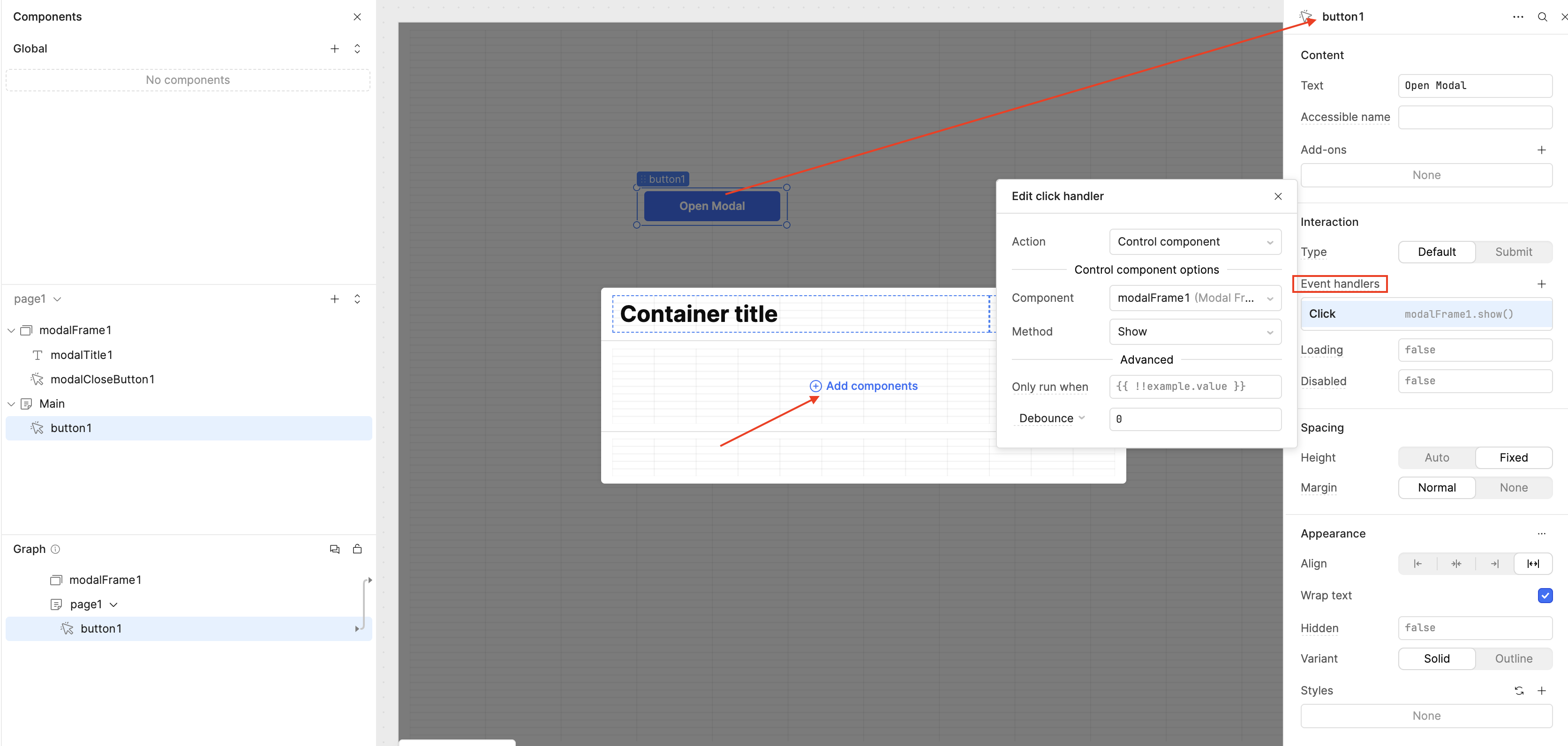
Hello all, coming back with the latest update, it’s been a while! The Legacy Modal component is now deprecated. The current version is now called Modal Frame. You can control it in your app as usual through your components, event handlers, or queries! 
In this case, you can use a Button component and add an Event Handler that links to the Modal Frame when clicked. You can then add any component inside the Modal Frame, such as a Form component.
Let me know if you need any more clarification on how to set this up!