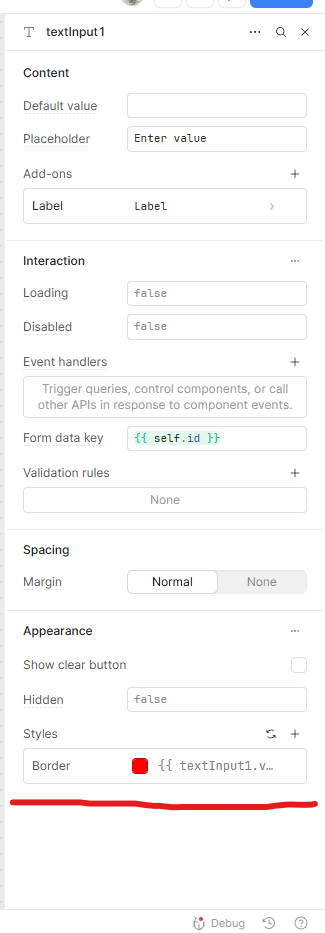
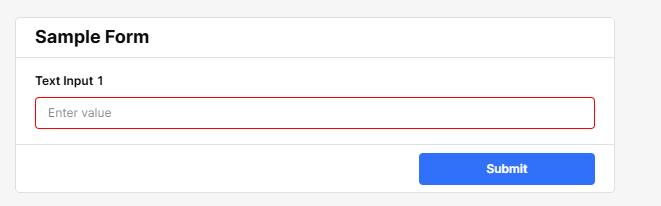
I'm sure this is an easy one but couldn't find a clear answer, I'm trying to add some conditional formatting to certain components within the form component.
We have an app where staff input datapoints for our product catalogue and some boxes on the form are pre-filled with a GPT call
I simply want to add conditional formatting which highlights text inputs and selects on the form which are unfilled and therefore need attention.
This could be colouring the box, adding an outline etc. Anything really to highlight these boxes when they are unfilled.
Once they are filled the conditional formatting would go.