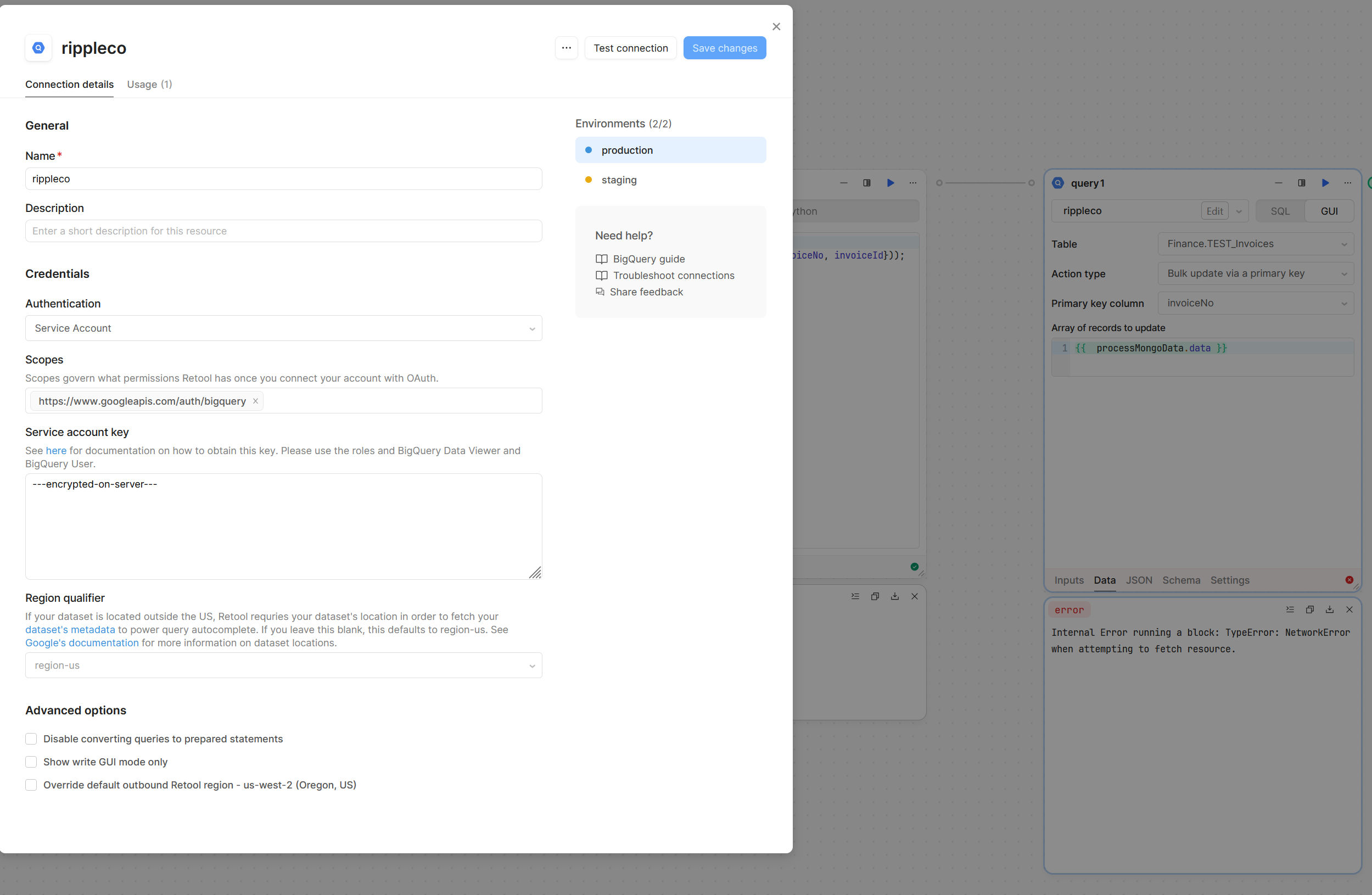
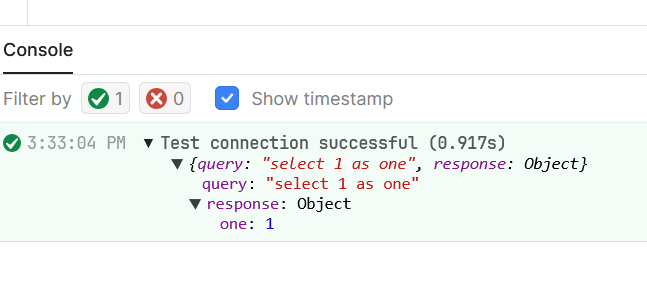
I've been trying to use the BigQuery connector with the GUI bulk update by primary key. I've read that this only works with Service Account auth, which is what we use. No matter how small the data set is, it returns an error. It also took four clicks on the "GUI" tab to get it to stick - it kept trying to revert to SQL. How do I get this working?
My goal: Update a BigQuery table by primary key
Issue: Every run of the BQ connector in this mode times out and fails.
Steps I've taken to troubleshoot: I've limited the dataset to just 5 items to ensure nothing is being overloaded.
Thanks for the additional info, that does narrow it down. A likely cause is that the table size is quite large, and it is scanning all the data looking for invoiceNo matches, causing the timeout.
Is it possible that the primary key column should be invoiceId rather than invoiceNo? If the data is organized by the id it might run faster by searching for that as the primary key instead.
If that doesn't change anything, and assuming the invoiceNo is the actual primary key, here is some pure SQL you could test out instead of using the GUI:
DECLARE updates ARRAY<STRUCT<invoiceNo STRING, col1 STRING, col2 STRING>>;

SET updates = PARSE_JSON('{{ processMongoData.data }}');

UPDATE `Finance.TEST_Invoices` t
SET col1 = u.col1,
    col2 = u.col2
FROM UNNEST(updates) AS u
WHERE t.invoiceNo = u.invoiceNo;
You would need to modify this with your actual column names and types, specifically in the DECLARE, SET, and WHERE.
This test table has only 50 records in it, so I don't think it's the table size in this case. Once we're using the larger table I'll make sure we're using the correct update key and that we have an index in place.
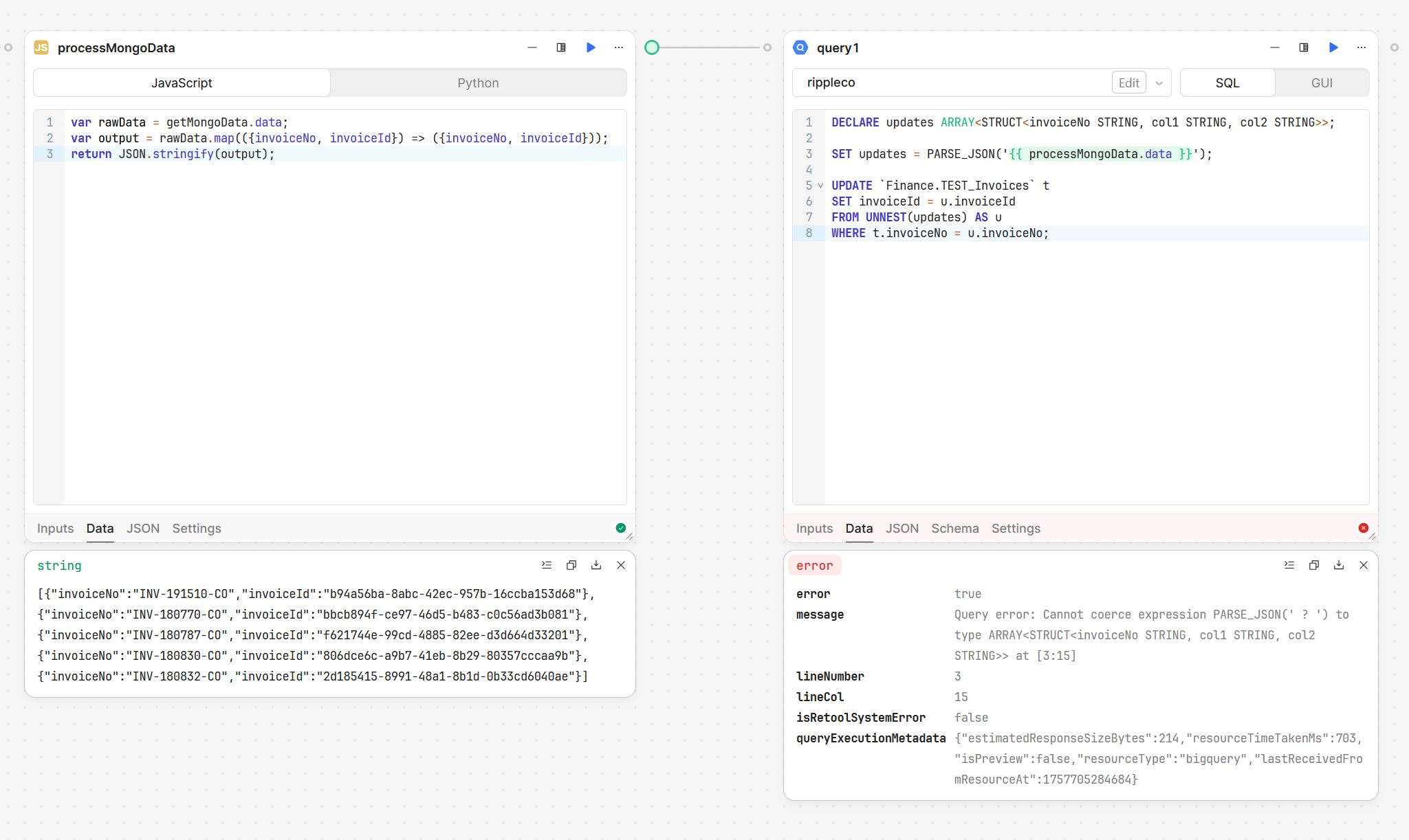
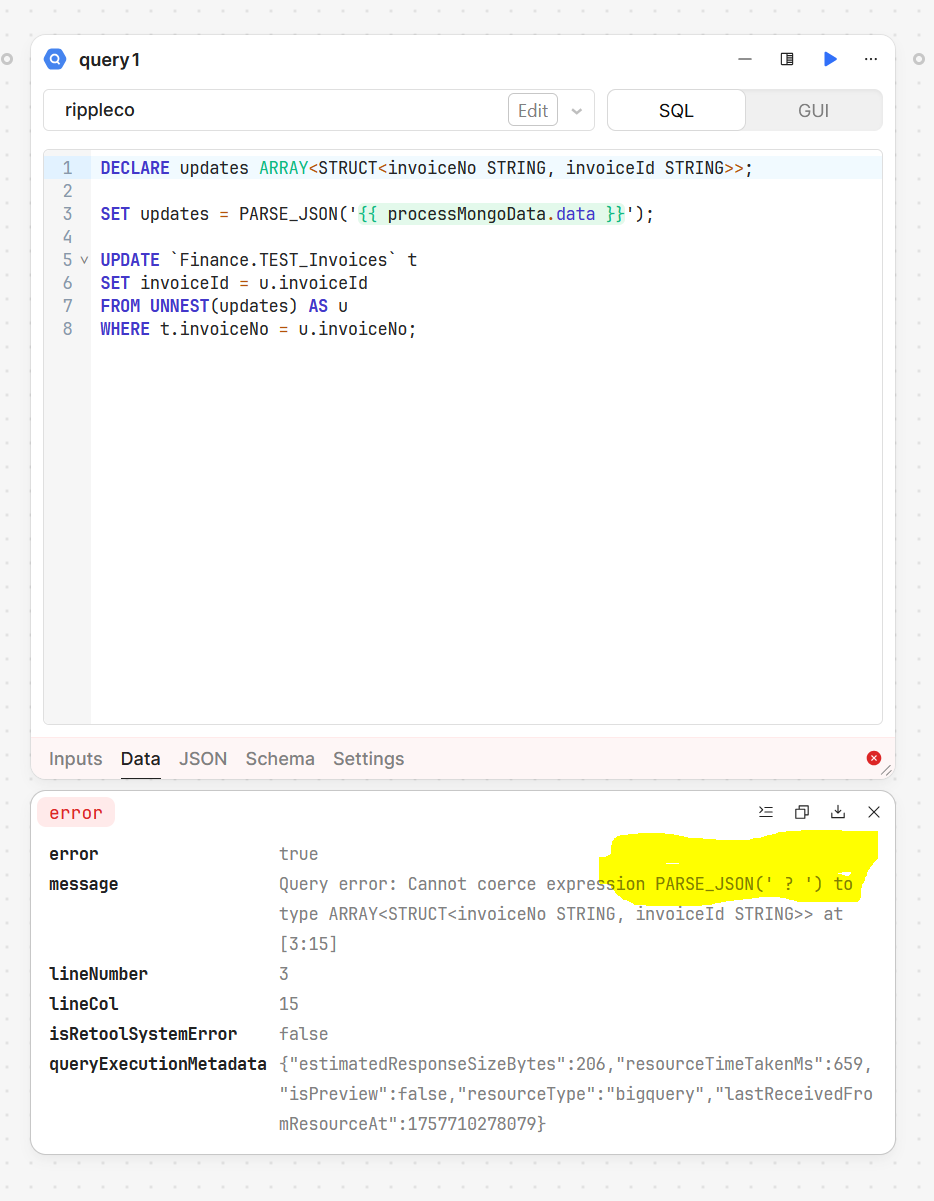
I tried that SQL with a few different iterations of parsing / stringifying JSON on both sides and each time got a similar error. It feels like the BQ query area might not be seeing the passed in data:
I believe the error you're running into is due to a mismatch of the way the json is declared. I gave that top line as an example not knowing how your table is structured (ex: ARRAY<STRUCT<invoiceNo STRING, col1 STRING, col2 STRING>>) but now that I can see more of how it's set up, it should be ARRAY<STRUCT<invoiceNo STRING, invoiceId STRING>>.
I did some more testing on my end with big query and found something that should work:
DECLARE updates ARRAY<STRUCT<invoiceNo STRING, invoiceId STRING>>;

SET updates = (
  SELECT ARRAY_AGG(
           STRUCT(
             JSON_VALUE(elem,'$.invoiceNo')    AS invoiceNo,
             JSON_VALUE(elem,'$.invoiceId')    AS invoiceId
           )
         )
  FROM UNNEST(JSON_QUERY_ARRAY({{ processMongoData.data }})) AS elem
);

UPDATE `Finance.TEST_Invoices` t
SET invoiceId = u.invoiceId
FROM UNNEST(updates) AS u
WHERE t.invoiceNo = u.invoiceNo;
Some differences between this and the last attempt:
we directly interpolate {{ processMongoData.data }} without quotes around it, since you are already stringifying it in the previous code block
we put more effort into having the updates data be recognized as a big query table, by manually creating an array of structs from the processMongoData.data input.