I can't seem to get at my list of Modal Screens.
How do I get at these?
Mike
Summary
Asking how to find/access the list of 'Modal Screens' (Modal Frame components) within an app, since they don't appear in the normal canvas flow.
AI Response
Modal Frames are overlay containers that aren't displayed inline on the canvas, so they can be hard to locate visually. To access them, open the component tree (the left-hand explorer/outline panel in the app editor) and select the Modal Frame entry there, or click the button/component configured to trigger it — this surfaces the modal for editing. If a Modal Frame has gone missing or won't stay open even with its hidden property set to false, the prior solved threads below cover the same scenario and resolution.
Sources
Modal Frame keeps disappearing
A solved thread on Modal Frames disappearing despite hidden=false, with steps to surface and keep them accessible.
Reference confirming the Modal frame is an overlay container and how multiple independent modal instances are managed.
The Community Team is testing out a new automation. Let us know if it's helpful (or not) by leaving a  ,
 , or
 . Or by marking this post as the "Solution"! Let us know if you have any feedback here.

Hi @mdsmith1, just to make sure I point you in the right direction: do you mean Modal Frame components in your app, and you’re trying to see a list of all of them? If you mean something else, let me know!
ChiEn:
Yes, it is Modal Frame components I am looking for.
Mike
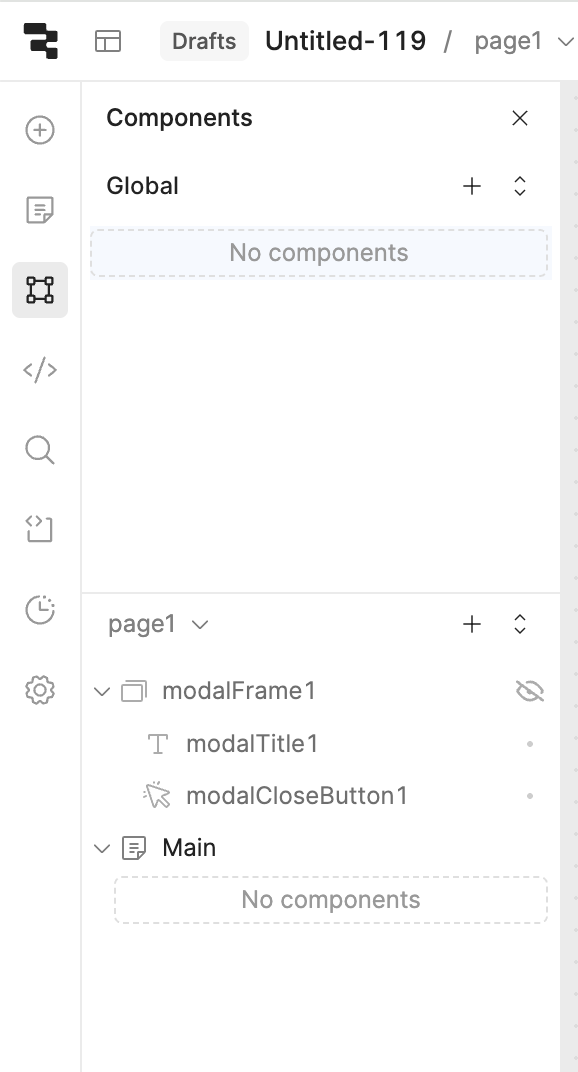
ChiEn:
You seem to have an icon that consists of 4 dots in a square.
I don't seemto have that icon.
Mike
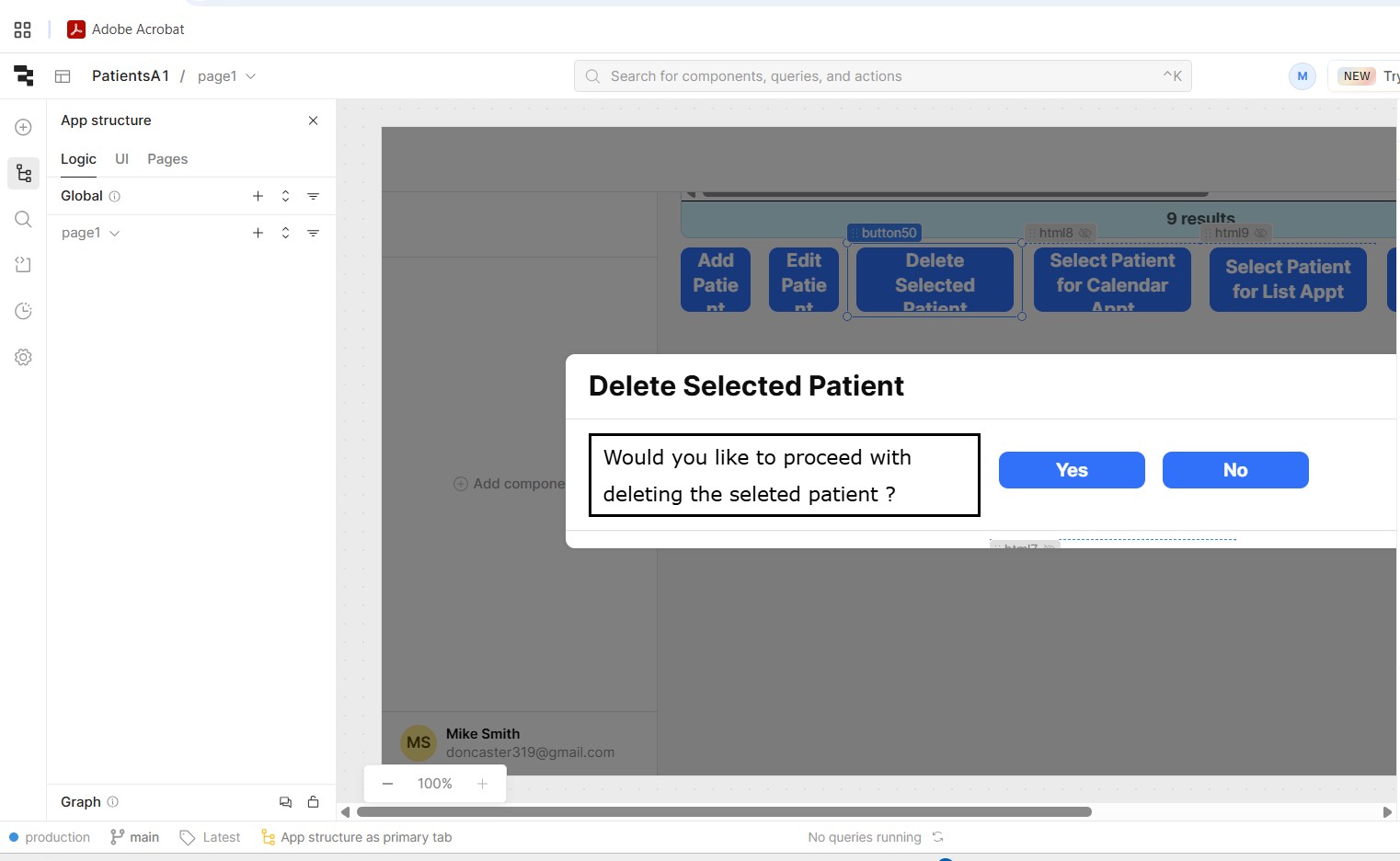
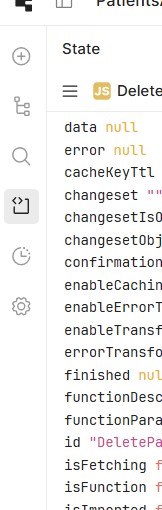
I have figured it out.
If I click on the 4th icon down and then click on the Hamburger at the top, I get a summary list.
If I scroll around in that list, I eventually find the Model Frames.
So I am out of the woods.
Mike
Hey @mdsmith1, good to hear you’re out of the woods! I made a small change for you. Please refresh your browser, and you should be able to see the component tab now.

I can no longer log in to Retool and see my Apps.
I can see my databases but no Apps. Instead I see a promo about using Retool for Ecommerce and other things,
My email is doncaster319@gmail.com . Can you forward this to your security Group.
Thanks.
Mike Smith
Hi @mdsmith1! Sorry to hear that you can't login - have you tried resetting your password by clicking the "Reset your password" link on the login page? It will send you an email to reset your password so you can login to the correct account.
If you need more assistance please email Retool Support and the team will help you from there!
-Jen